How to log in to the Marketplace Hub
Introduction
The Novacura Marketplace consists of two modules:
- Public Marketplace Portal (the one you are currently using).
- Marketplace Hub – an internal part of the marketplace where active Novacura customers can browse the full application catalog, select apps, and download them directly to their Flow environments (using a “self-service” approach).
The Marketplace Hub system is built using Novacura Flow Portal Connect technology, but it is available to all customers, including Flow Classic users.
How to log in to the Novacura Marketplace
Preconditions
To log in to the Marketplace Hub, you must be an active Novacura Customer, have a Novacura Flow Connect user account, and have access rights to the Marketplace Hub organization.
IMPORTANT: If you are not yet a Flow Connect user or have not received a Flow Connect / Marketplace invitation by email, please follow this quick guide to get your account.
Login Procedure
Click the link to access the Marketplace Hub and sign in.
You will be asked to choose an authentication method:
- Select “Continue with Microsoft” if your organization supports Entra ID accounts (typically if you are already a Flow Connect user and use this option to sign in to your own applications in Flow Connect).
- Select “Continue with email” in other cases, typically if your organization currently uses Flow Classic only.
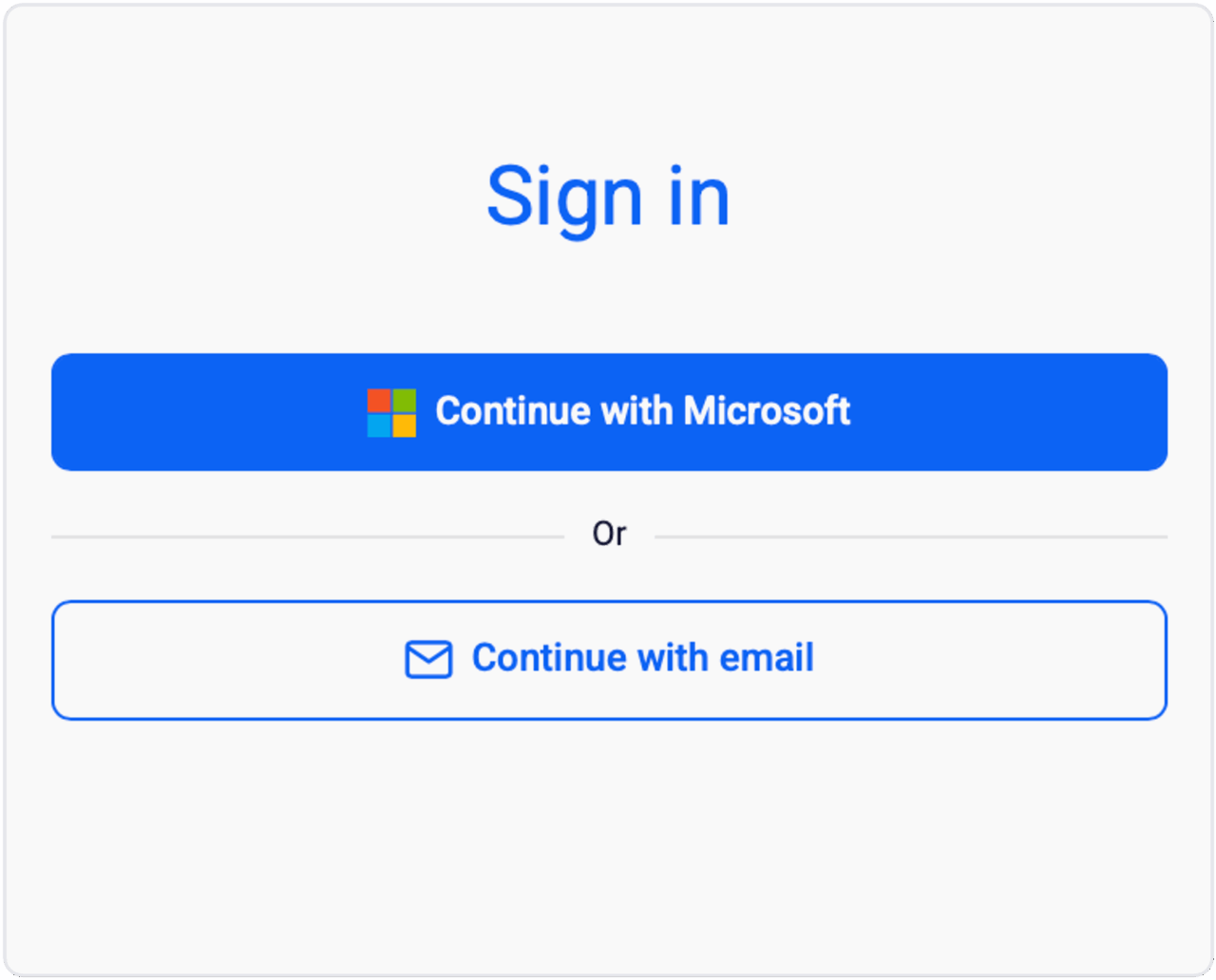
Authentication Method Selection Screen
After completing authentication, you will be redirected to the Marketplace Hub portal page.
Here, you can quickly learn how to get started with the Marketplace Hub by reading the Marketplace Hub Quick Instruction.