How to get a Flow Connect account
Marketplace Hub runs on Novacura Flow Connect. To get access, you need a Flow Connect account and Marketplace Hub permissions. Follow the steps below to get started:
- Contact your Account Manager and request access to the Marketplace Hub in Flow Connect.
TIP: Think about who else in your organization might need access and include their email addresses when contacting Novacura. - The Marketplace Hub administrator will create Flow Connect accounts for the provided email addresses and grants access to the Marketplace Hub. Once completed, users will receive email invitations to Flow Connect.
- Check your mailbox (the email may sometimes end up in your spam folder or in the “Other” tab) for an email like this:
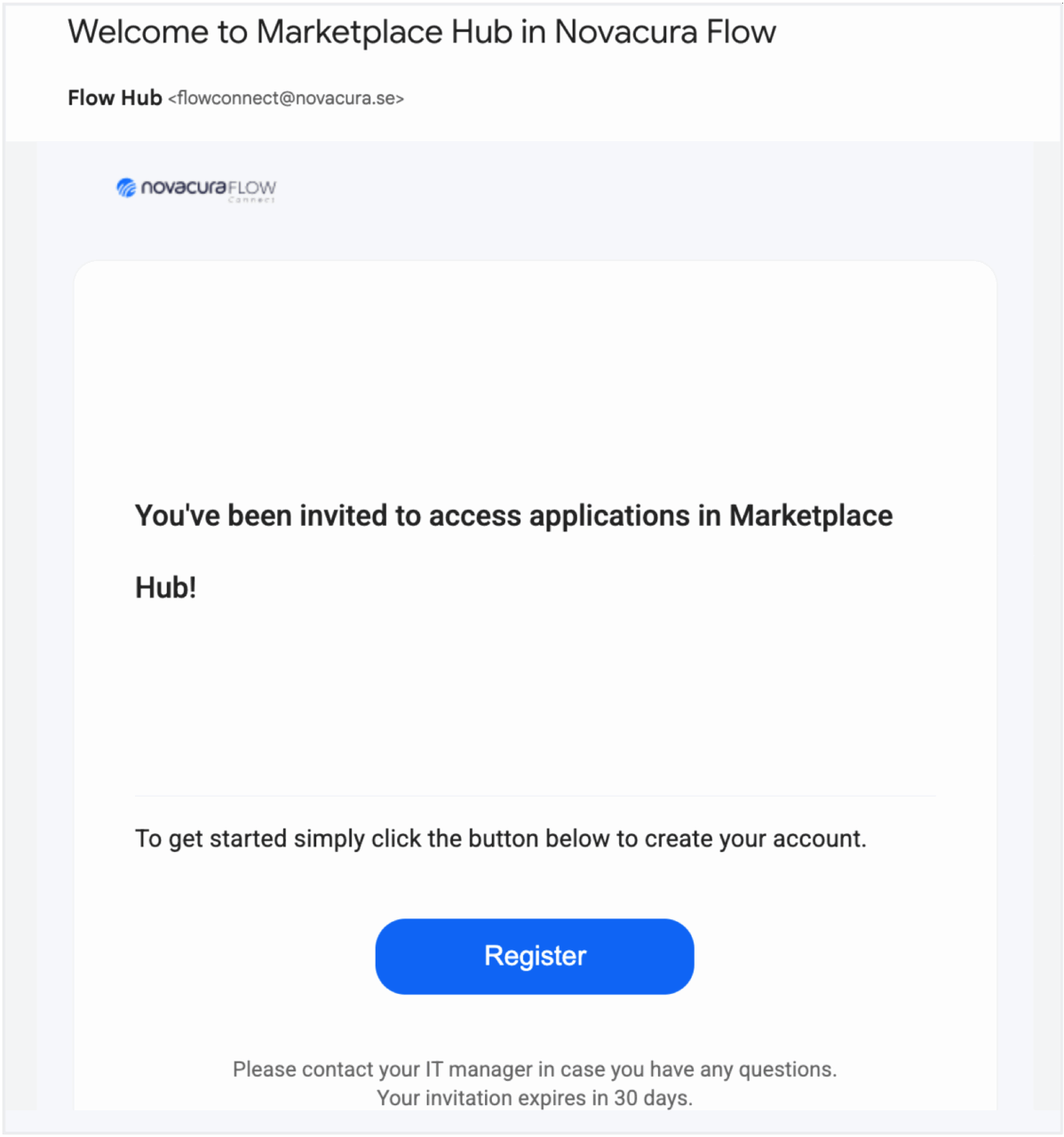
- Click the link and follow the instructions. Then select “Register with Email” and complete the registration steps.
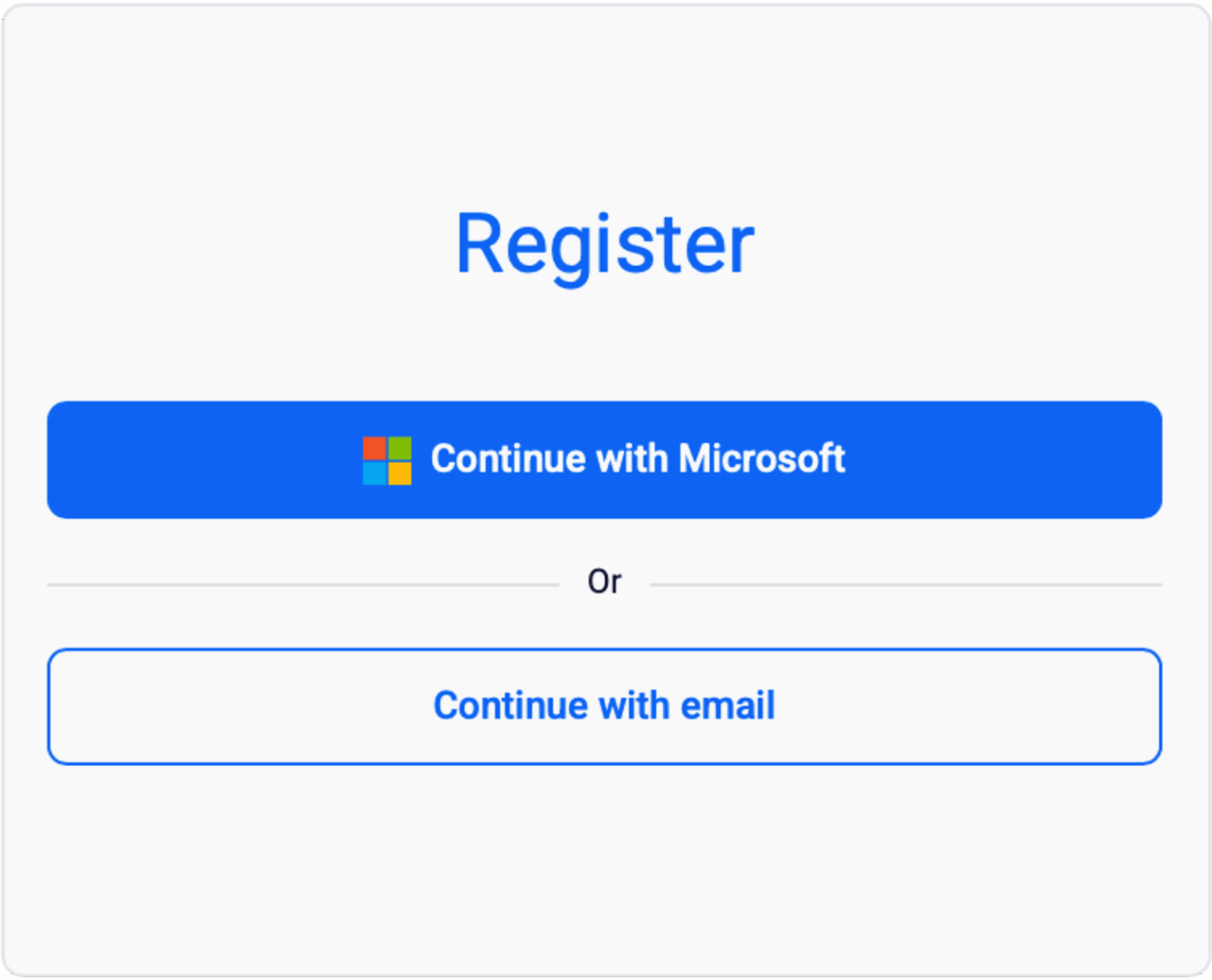
- Once you’ve completed your registration, sign in using your configured email and password - you should then have full access!