
This is an Example application enables users to quickly translate CSV file content from one language to another using AI, while preserving the original table structure and format.
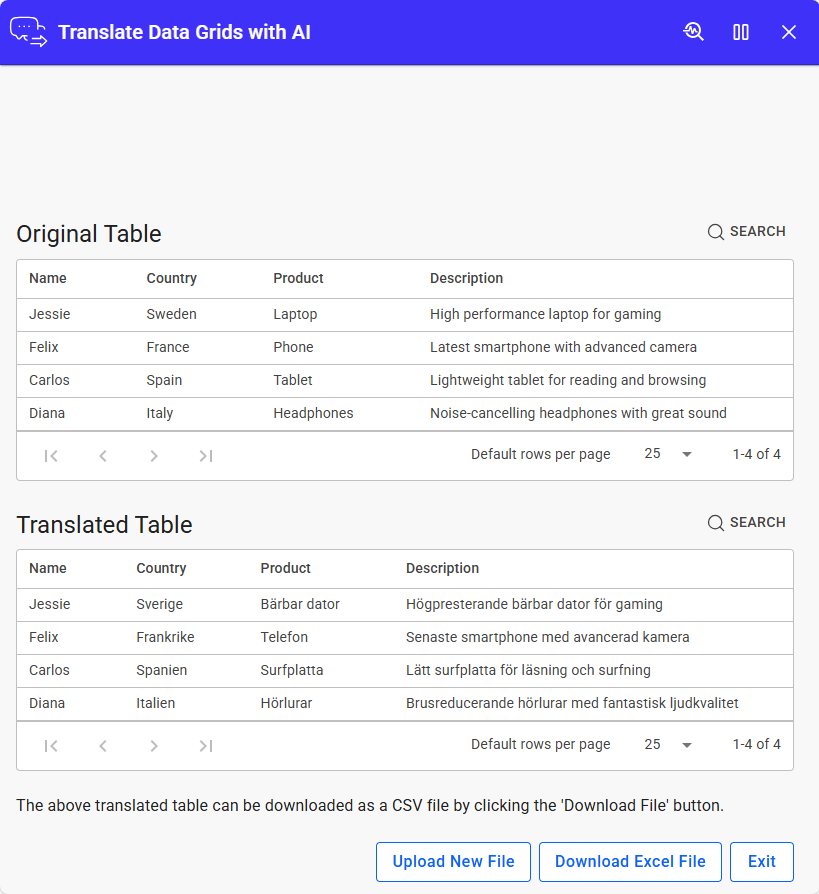
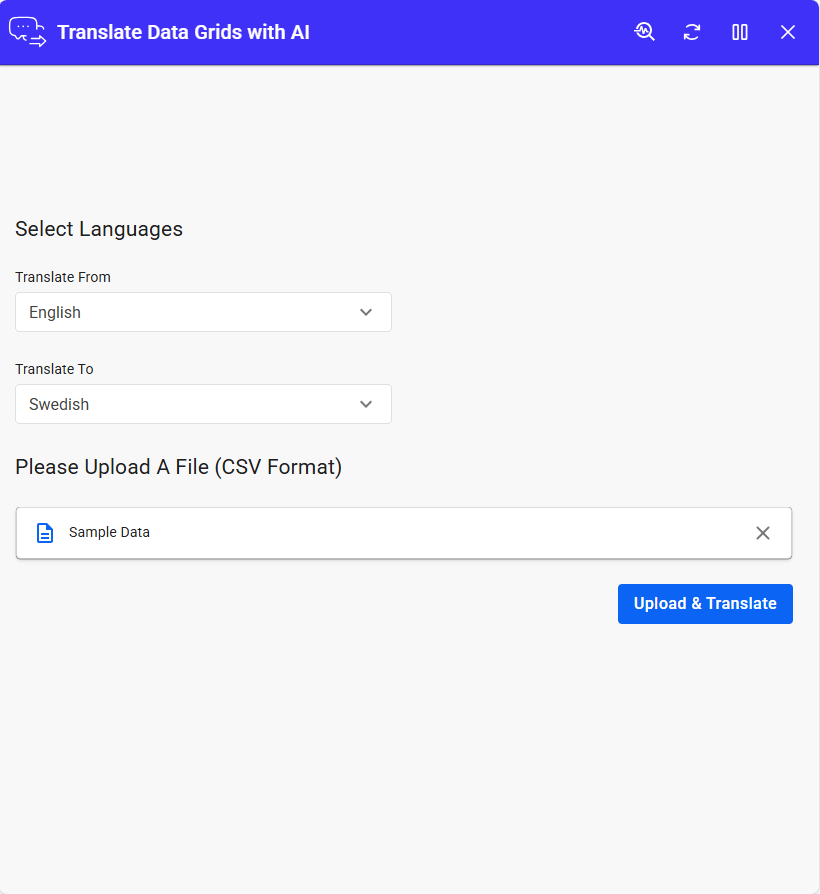
This application example provides a simple and efficient way to translate CSV file content between different languages using AI-powered processing. It is designed to streamline the translation of structured data while maintaining the integrity and layout of the original table. Users can easily select the source and target languages through intuitive dropdown menus, upload a CSV file, and initiate the translation process with a single action. Once processed, the application displays both the original and translated tables in a clear, side-by-side format, allowing users to review the results with ease.
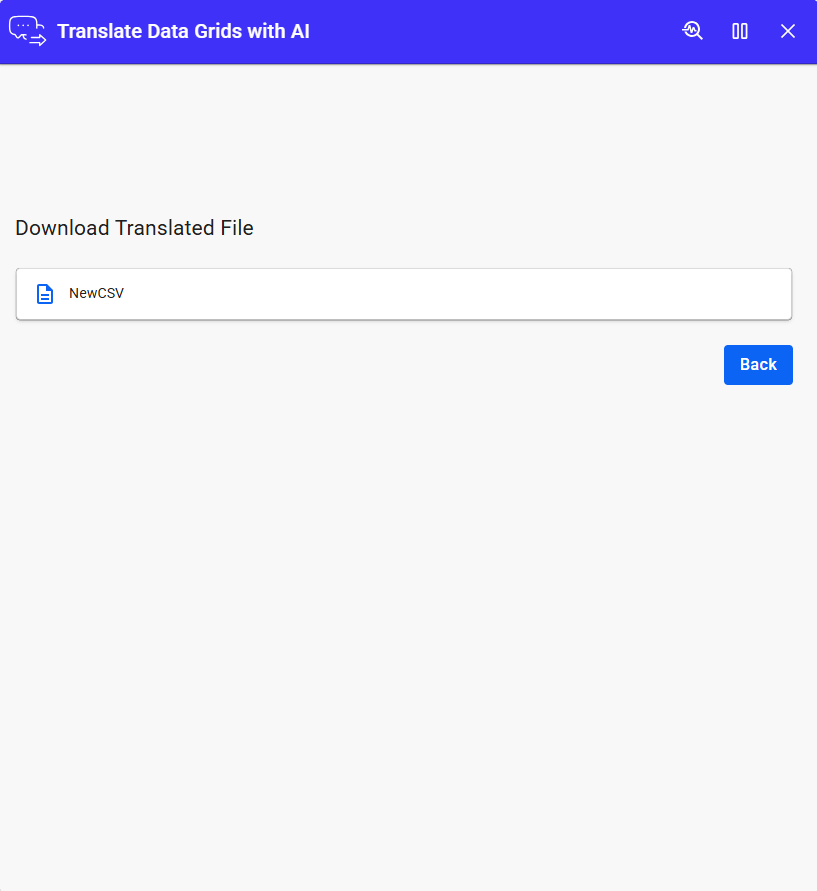
The solution ensures that the translated output retains the same structure as the original dataset, making it suitable for business data, reports, and other structured content. Users can then download the translated file in CSV format for immediate use or further processing. In addition to its core functionality, the application supports a smooth workflow by allowing users to upload additional files, navigate back to previous steps, or exit the application at any time. Its user-friendly interface and automated translation capabilities make it a practical tool for handling multilingual data efficiently.
This application is ideal for business users, data analysts, and professionals who need to translate structured data quickly and accurately without disrupting formatting or workflow.
AI Setup & Configuration
To use AI features effectively, some user-side setup is required. Make sure all necessary configurations are completed.
| App Type | Example |
| Flow version | Connect |
| ERP Type | Generic |
| Process Area | Generic |
| Library | Standard Apps - Base |
| Product Clients | Mobile ClientWeb Client |
| Product Connectors | REST Service / OpenAI |
| Product Publisher | Novacura Business Apps |
| Publishing Date | 20.03.2026 |
| Powered by AI | YES |