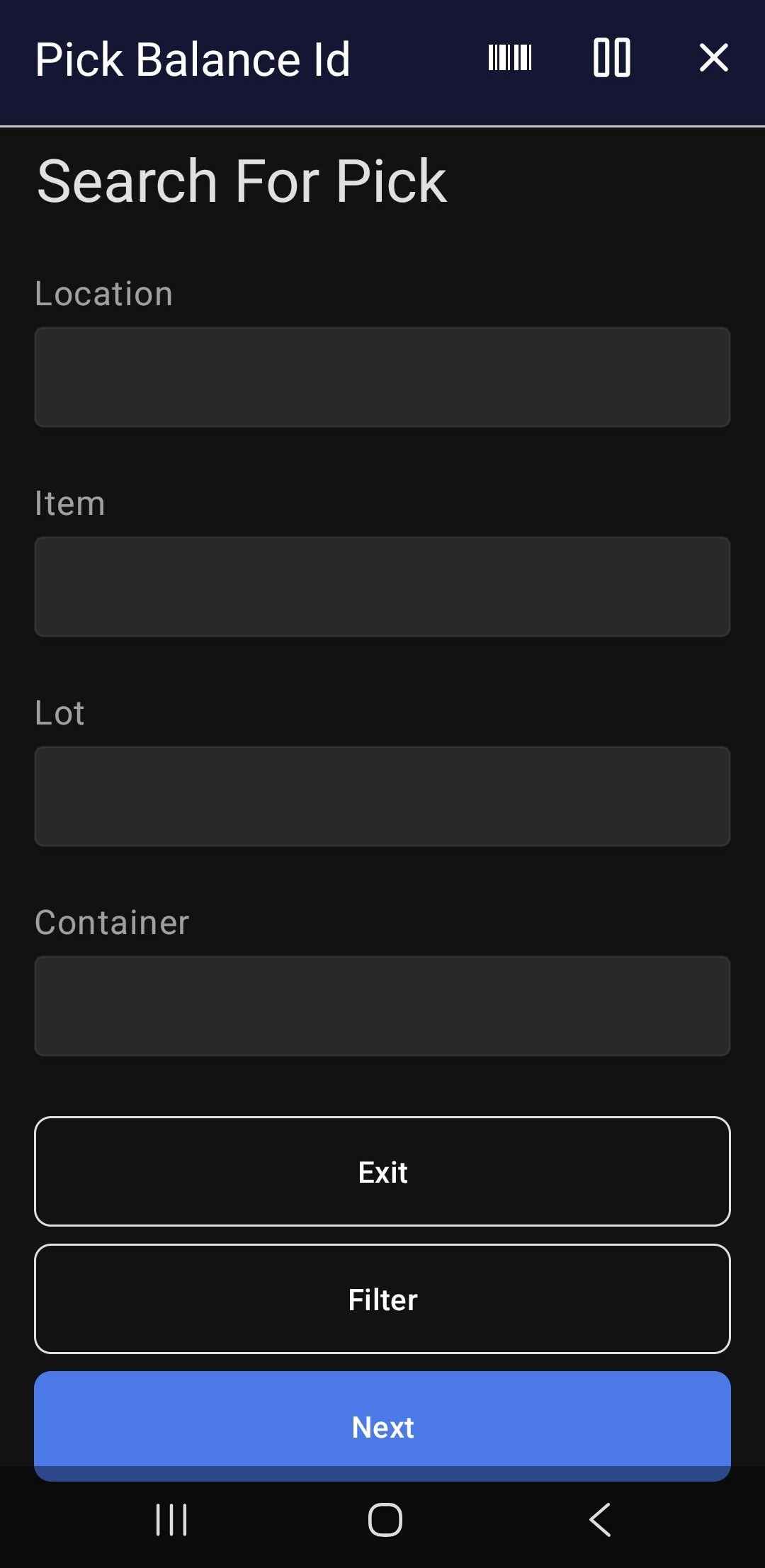
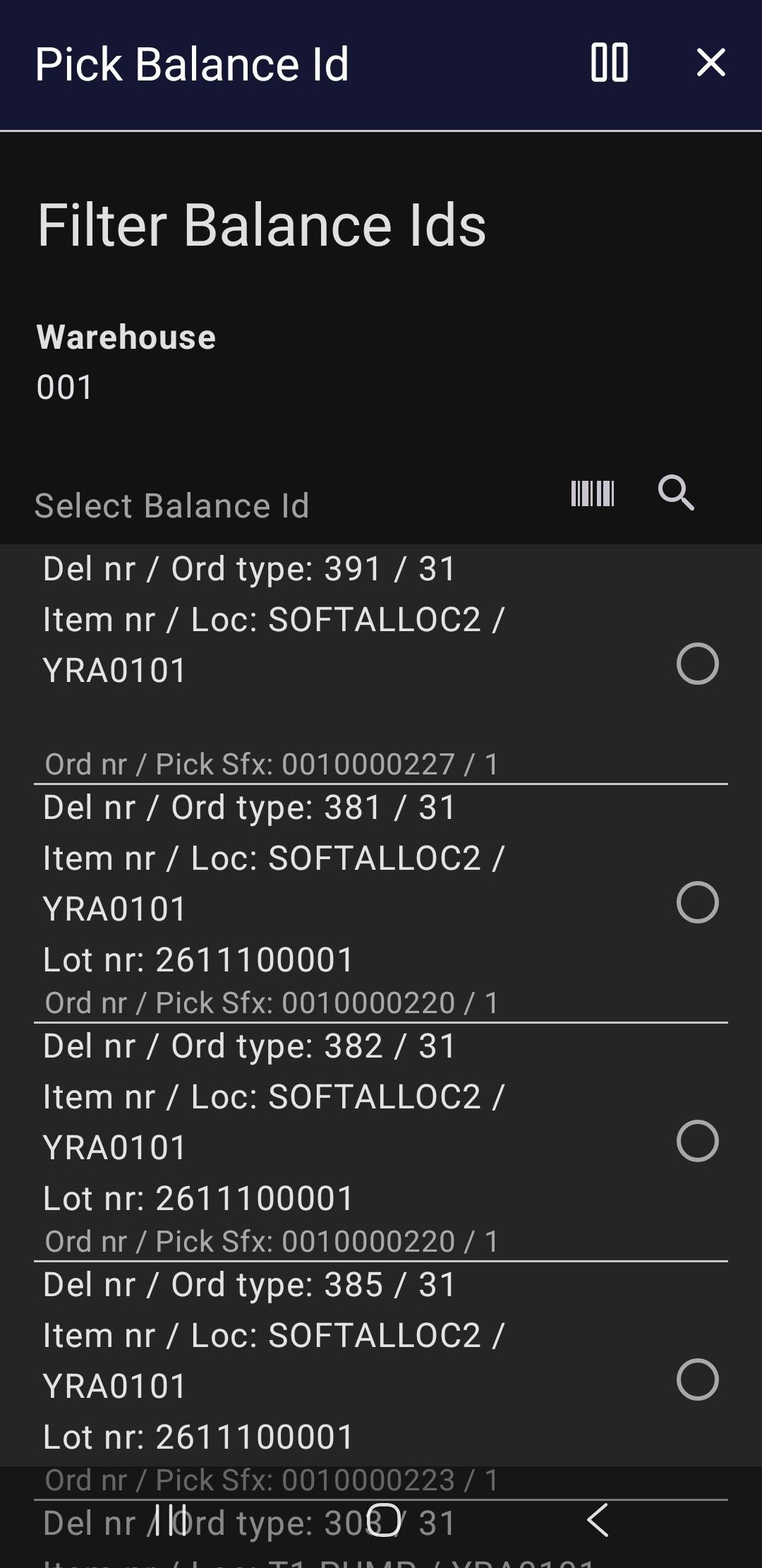
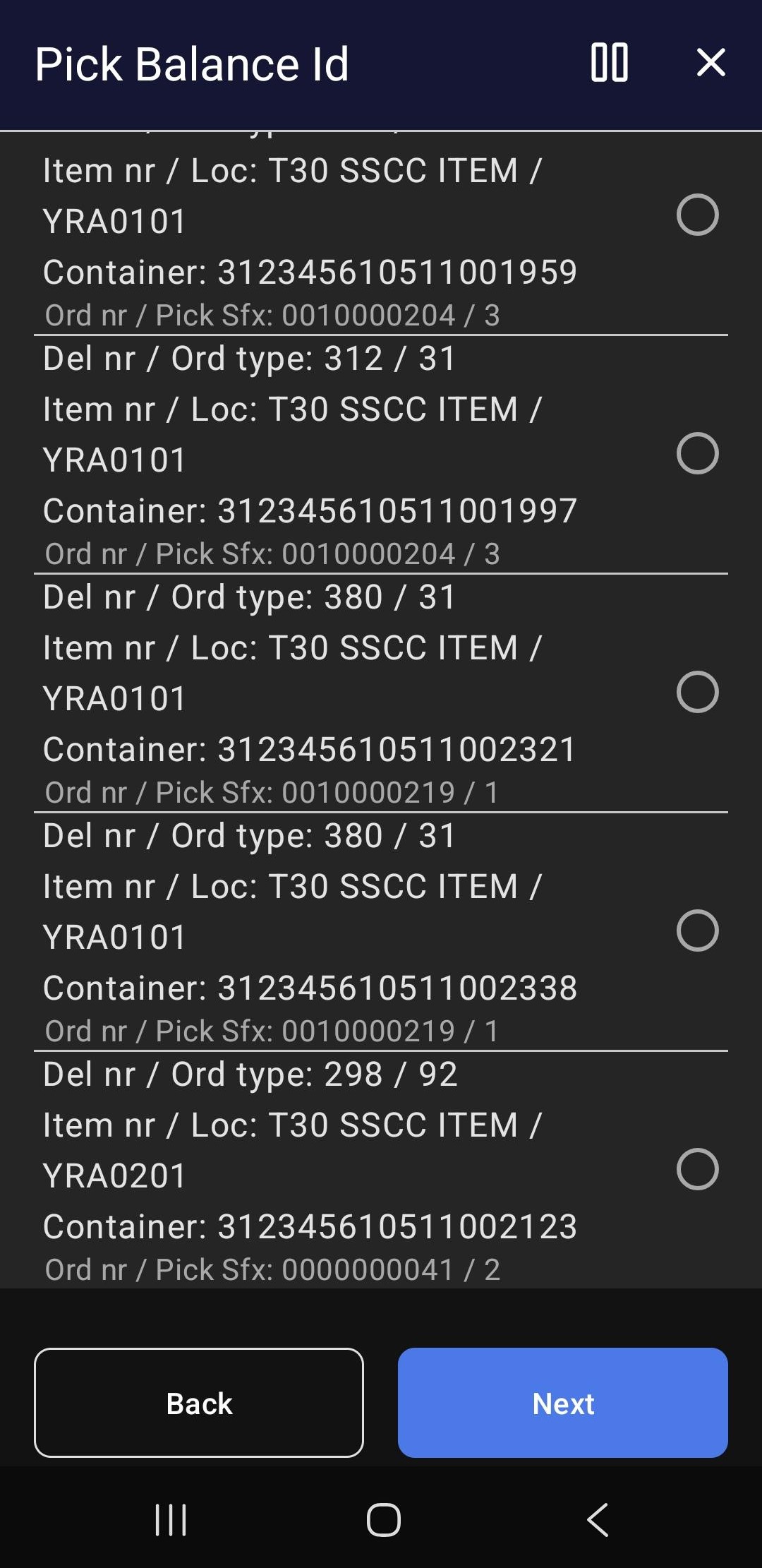
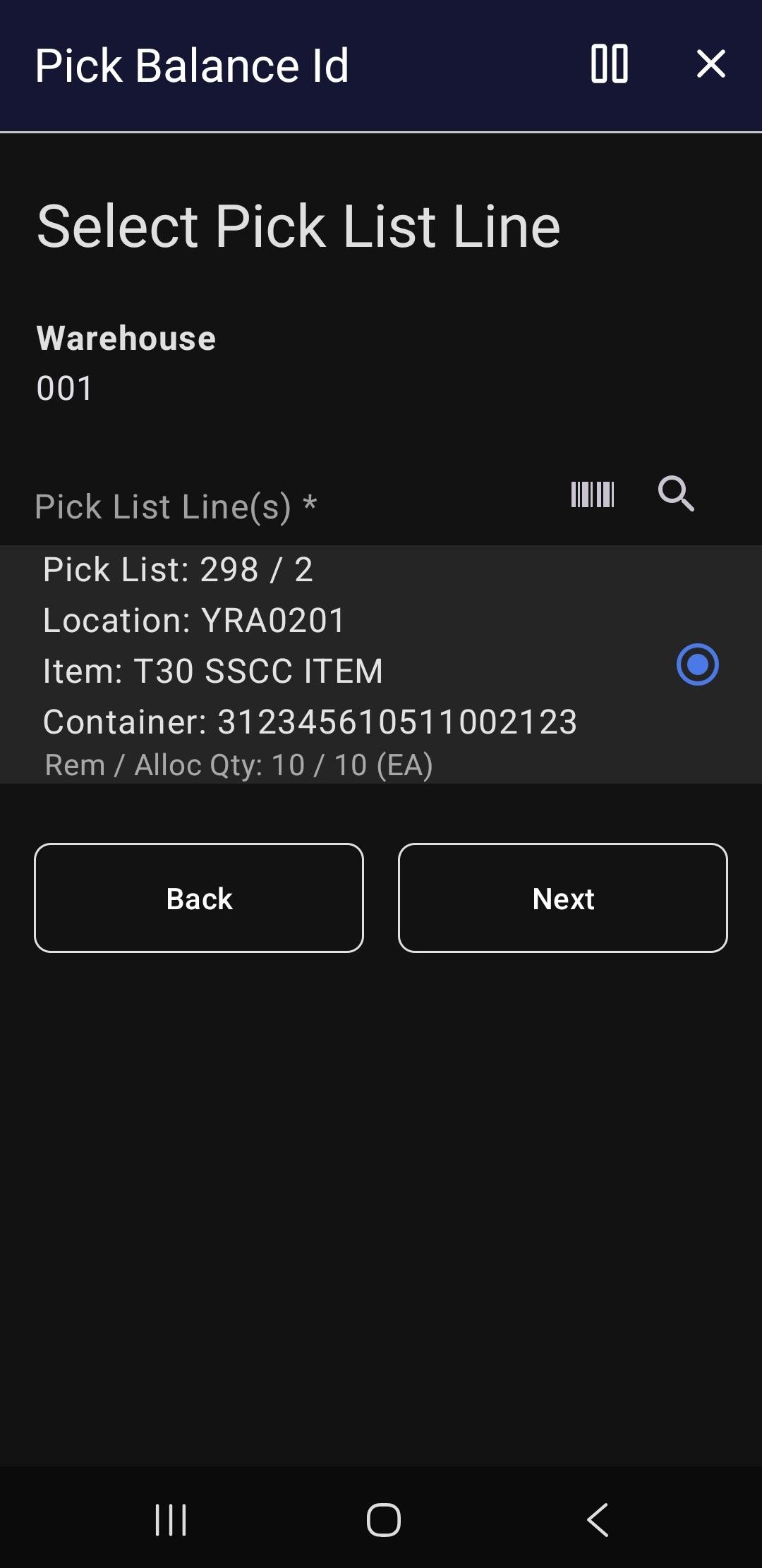
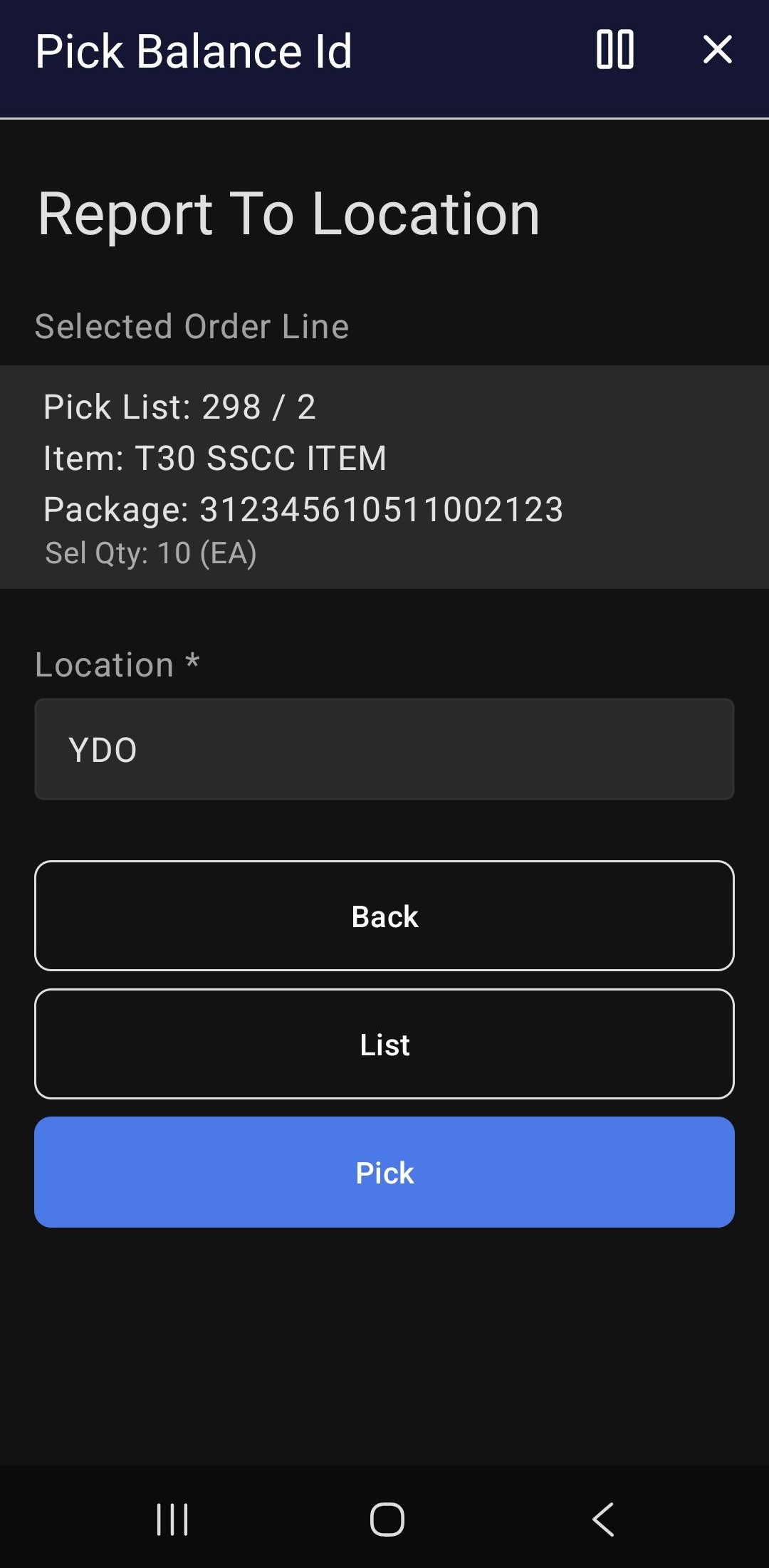

This is a component of the Supply Chain Execution application package for Infor M3.
To learn about and download, click here.
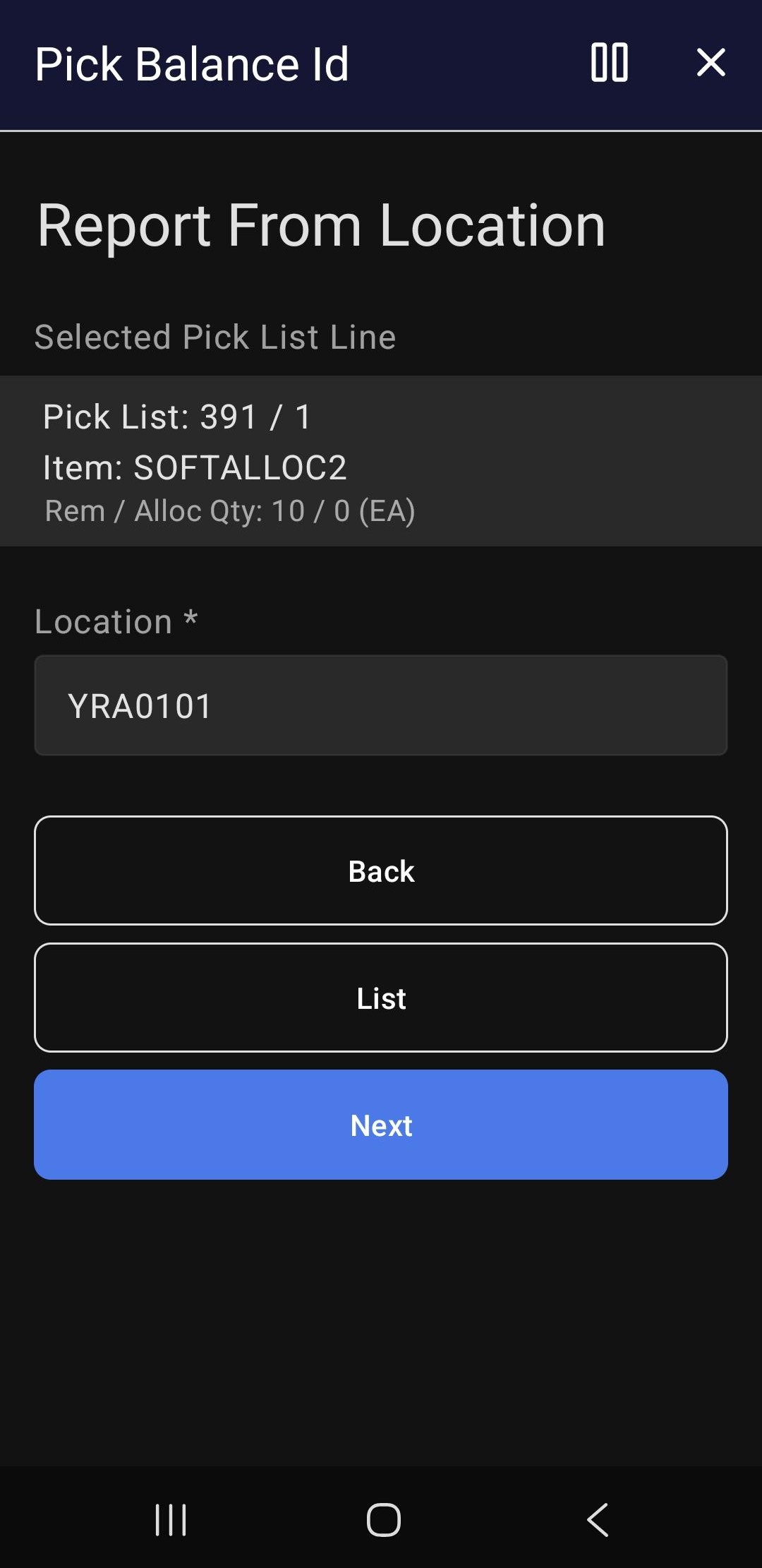
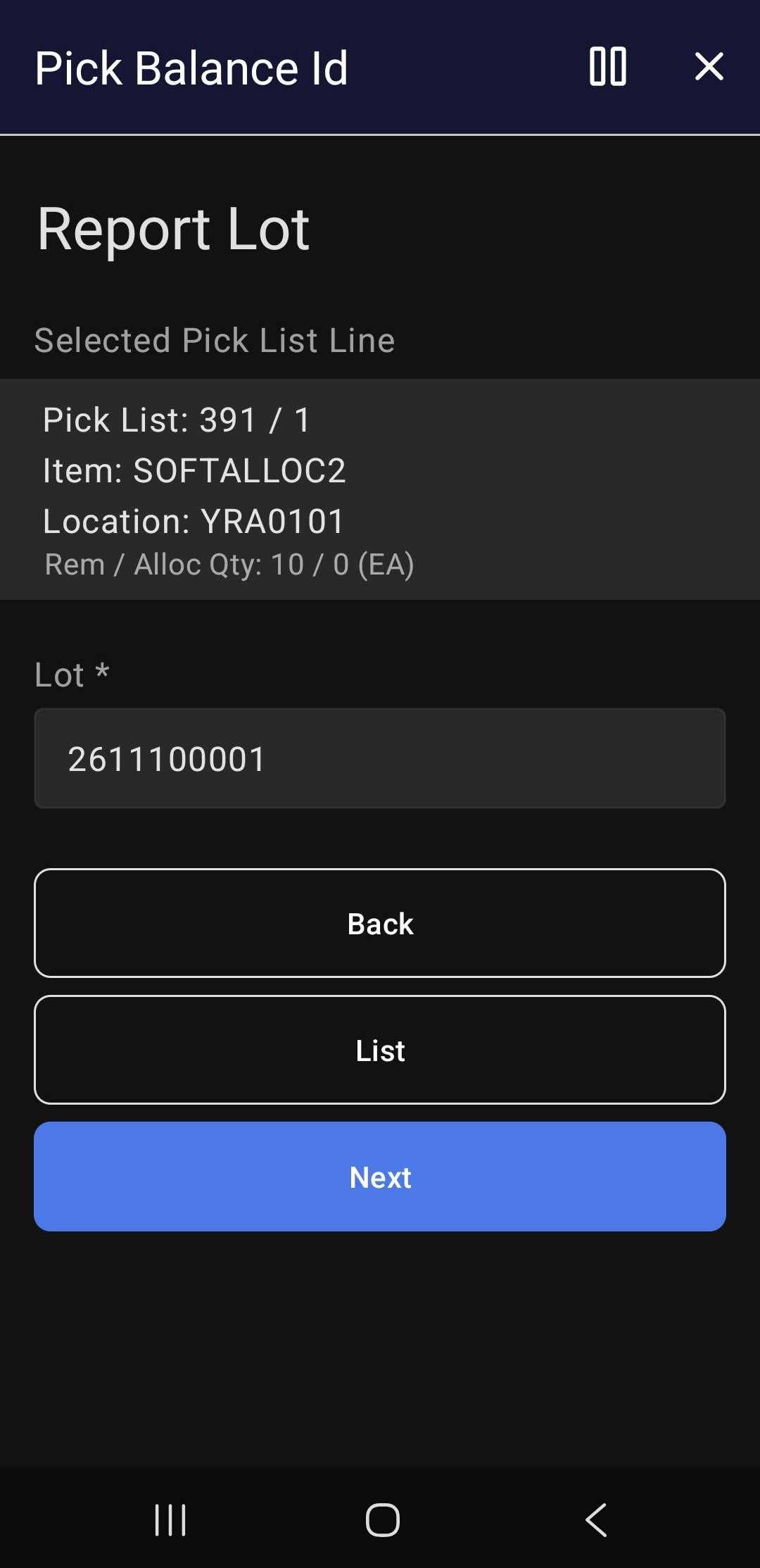
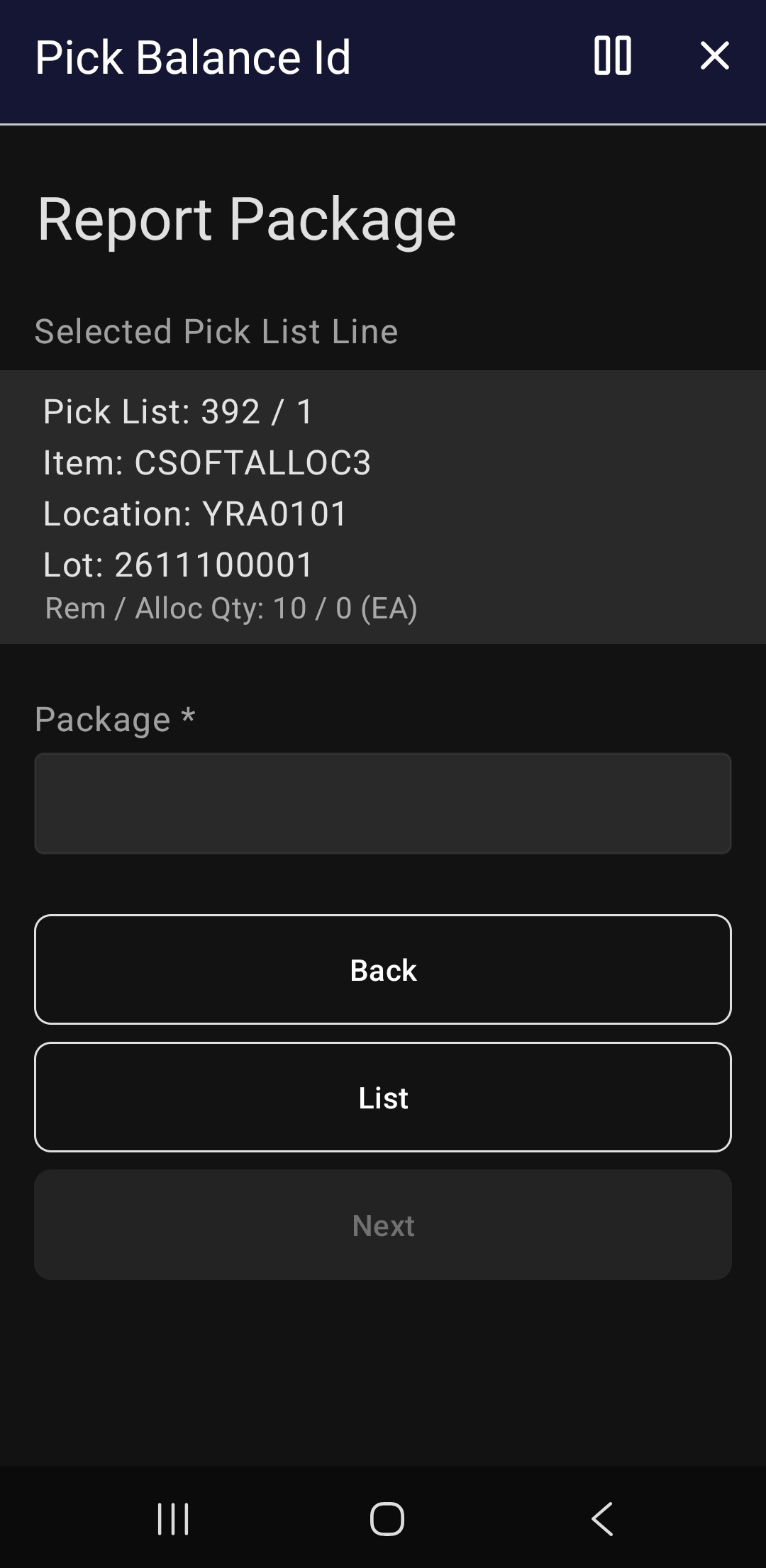
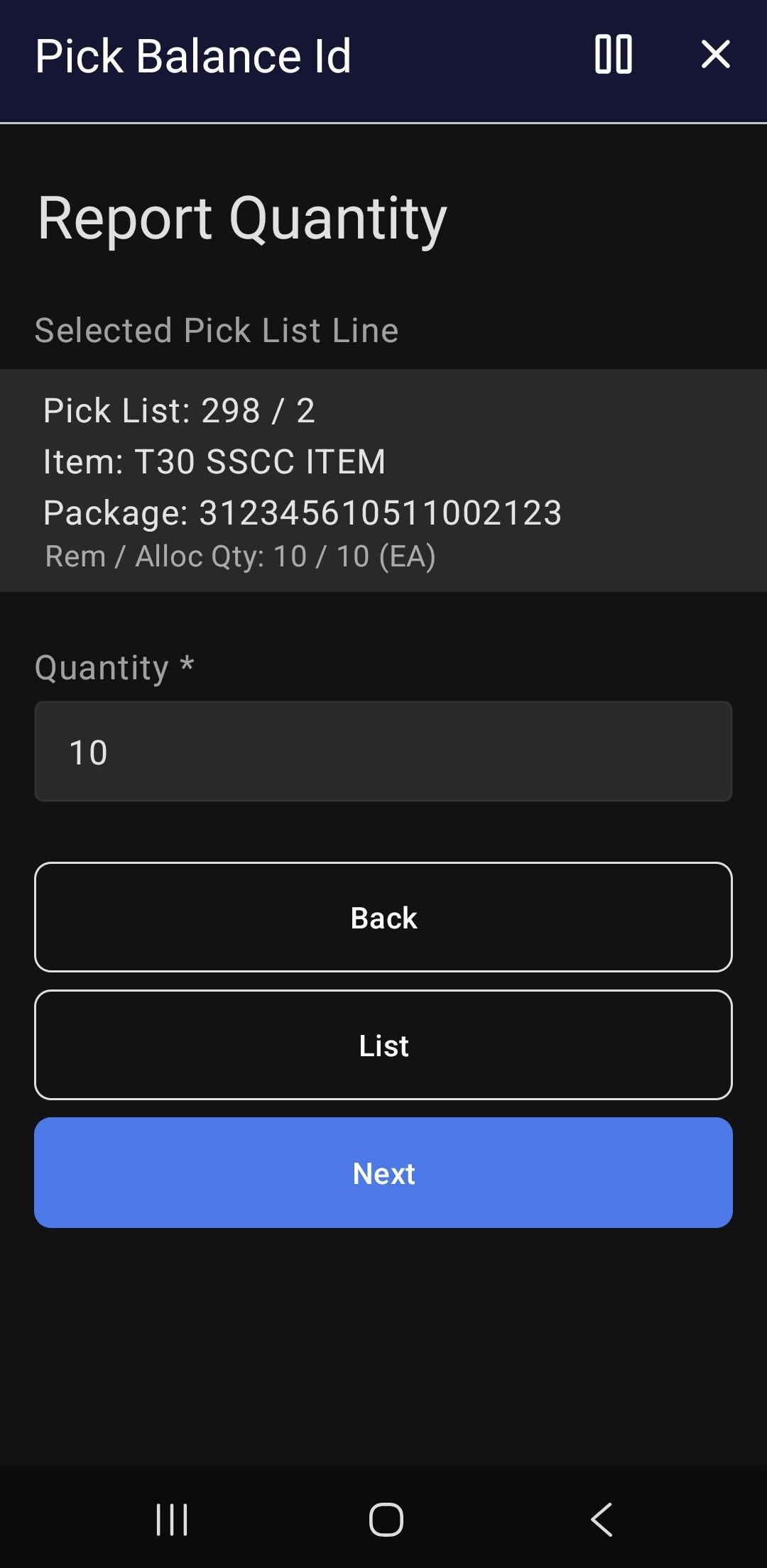
An overview of an application used to pick from generic balance Id(s) search. Features include:
To learn more, click here.
Corresponding Infor M3 program(s) – MMS060/MWS420/MWS422
| App Type | Base Application |
| Flow version | Connect |
| ERP Type | Infor M3 Cloud |
| Process Area | Logistics ERP |
| Library | Standard Apps - Infor M3 |
| Product Clients | Mobile ClientWeb Client |
| Product Connectors | Infor M3 REST API |
| Product Publisher | Novacura Business Apps |
| Publishing Date | |
| Powered by AI | No |
Want to see how this app works in your ERP environment? Request a demo and we’ll walk you through it.