
• About Marketplace
  • FAQ
Search
Log In
  • Home|
  • Create Stock Internal Order (DO) (Infor M3)
Infor M3 Cloud Logistics ERP

Create Stock Internal Order (DO) (Infor M3)

This is a component of the Supply Chain Execution application package for Infor M3.

To learn about and download, click here.

Request a Demo

Move Balance Id(s) between Warehouses with Distribution Order. Features include:


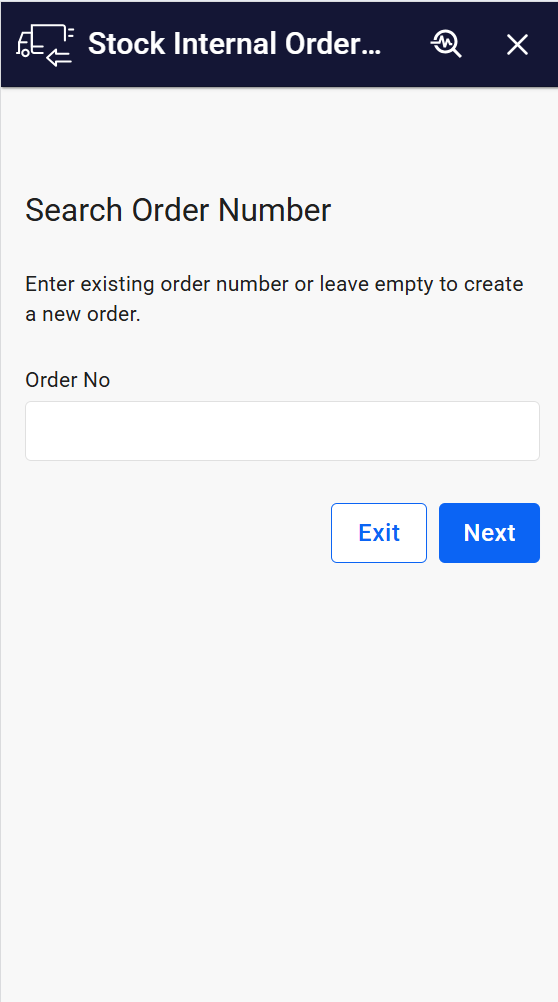
  • Search and select distribution order.
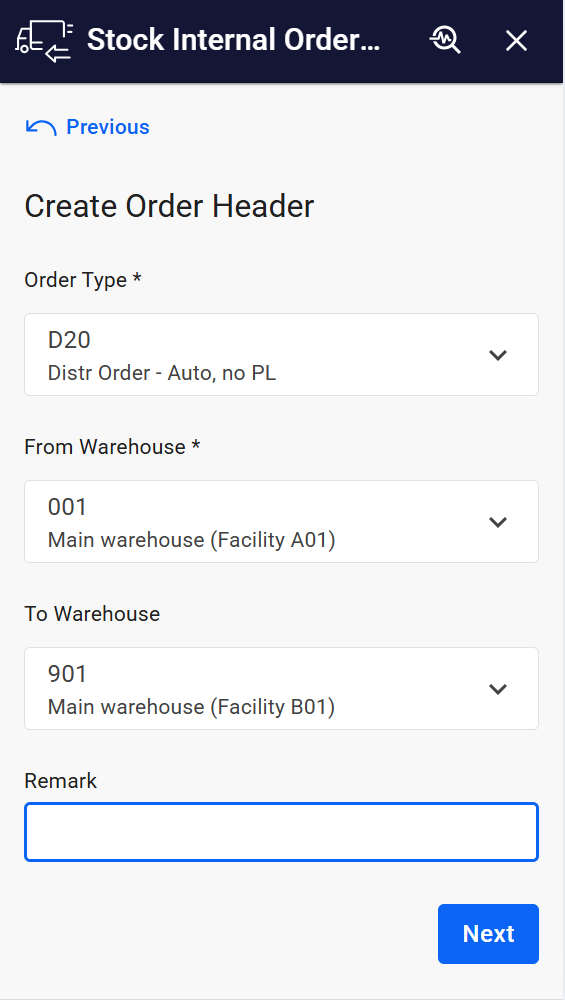
  • Create Distribution Order Head and Line
  • Create new distribution order head.
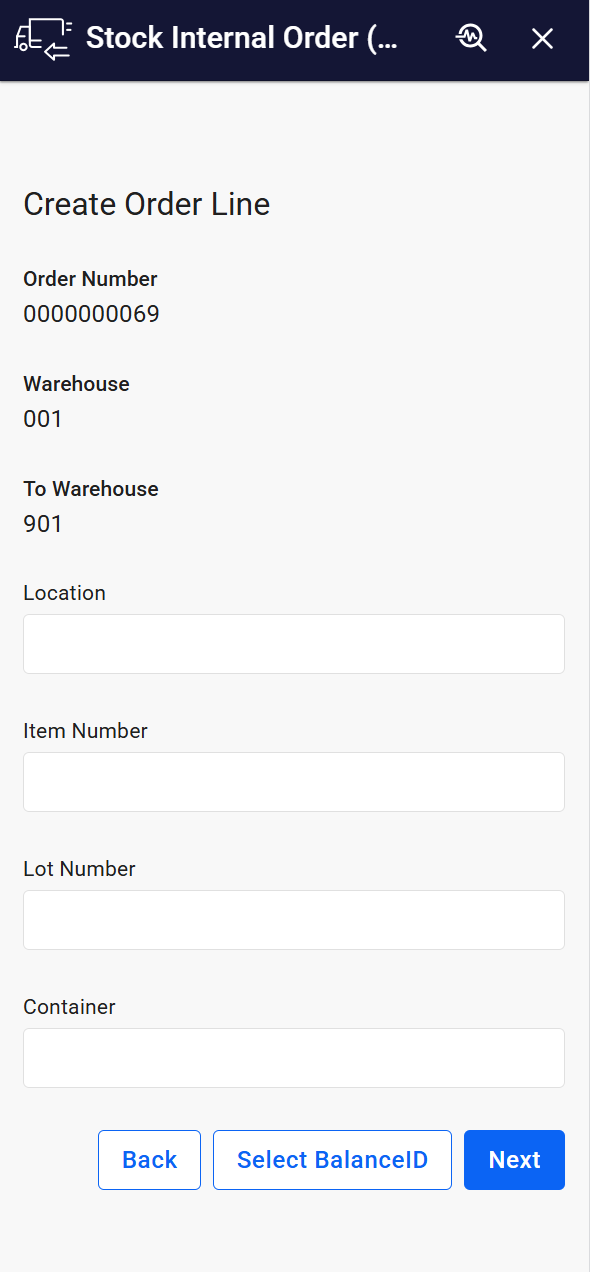
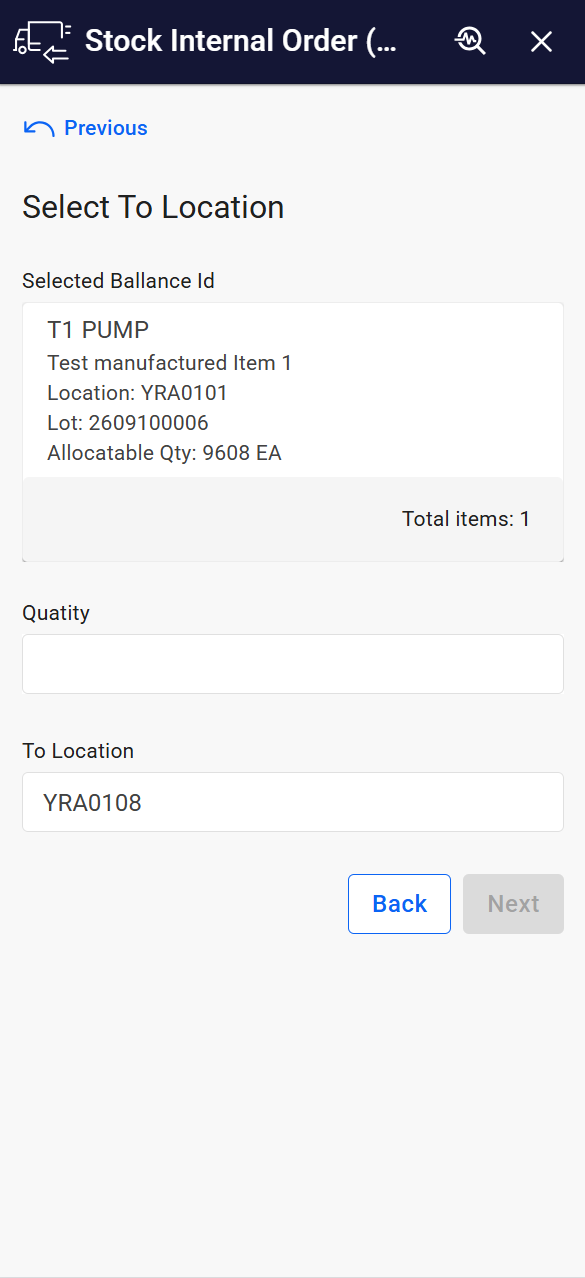
  • Report From Location, Item number, Lot number, Container for distribution order lines.
  • Report To Location and Quantity
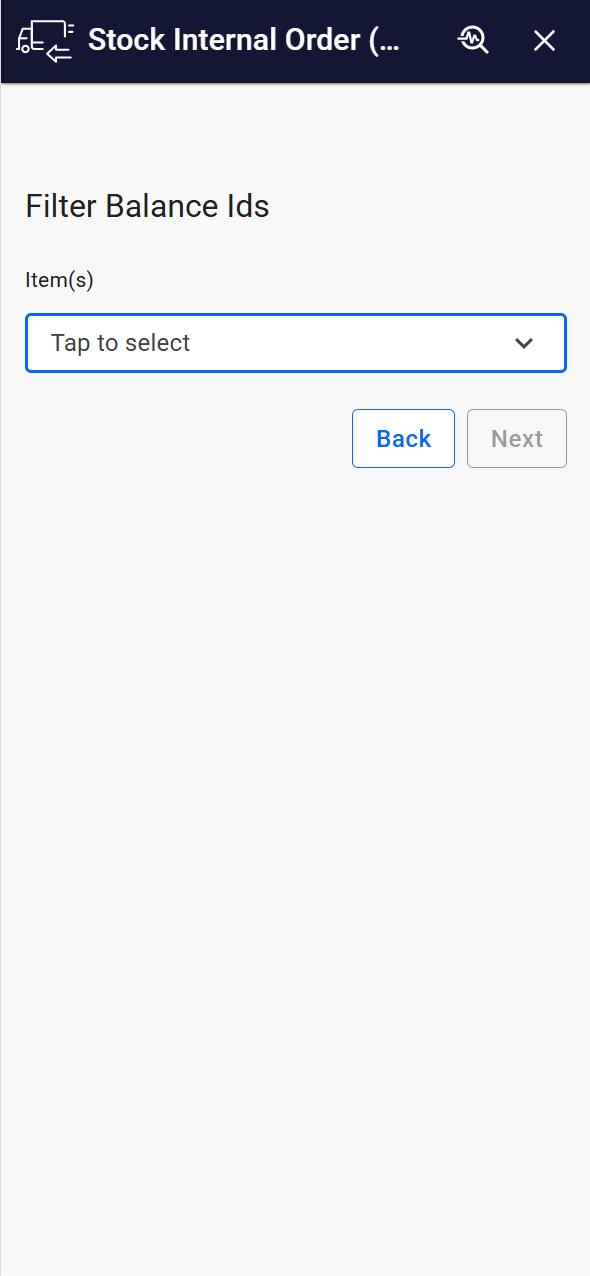
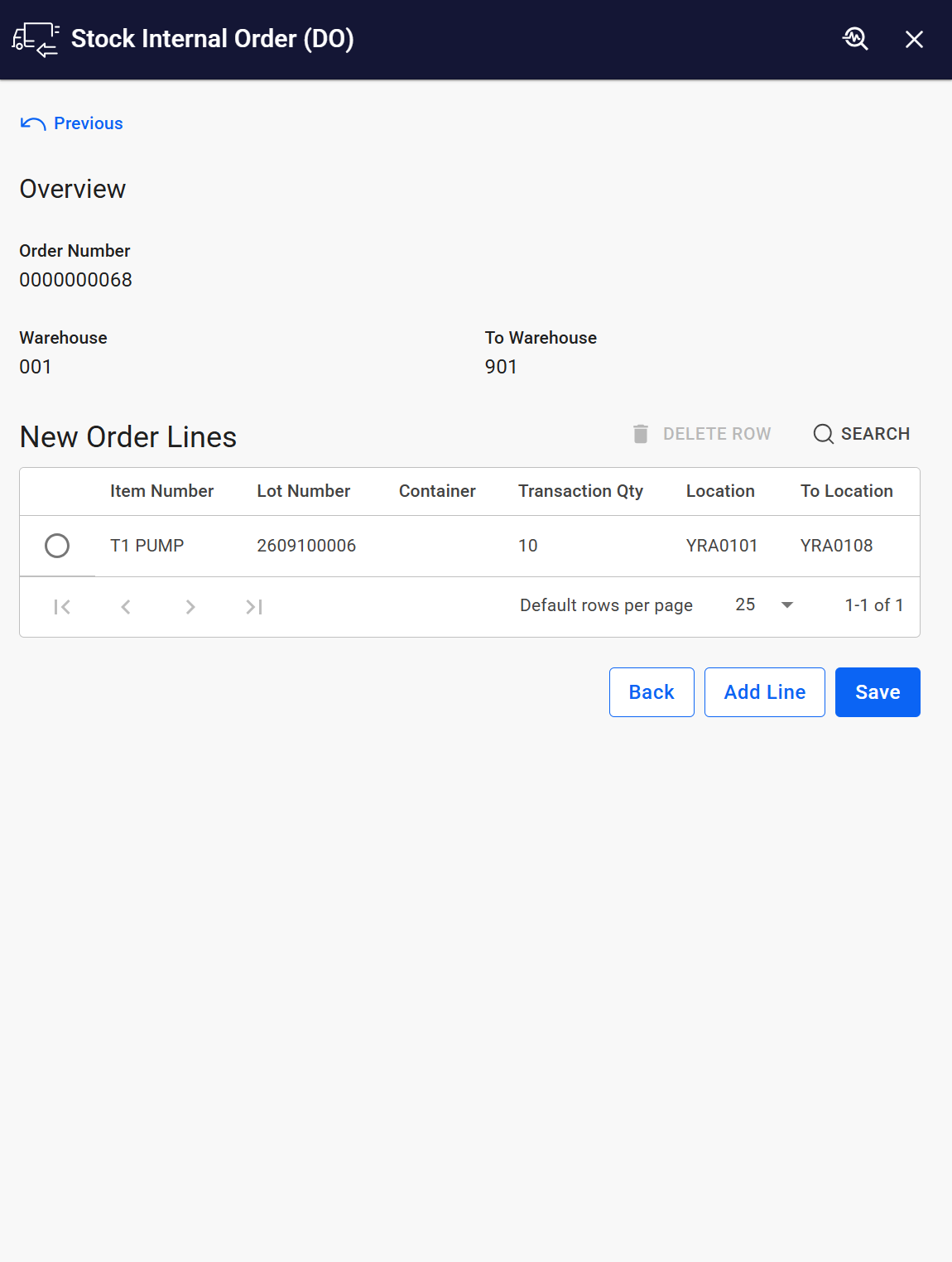
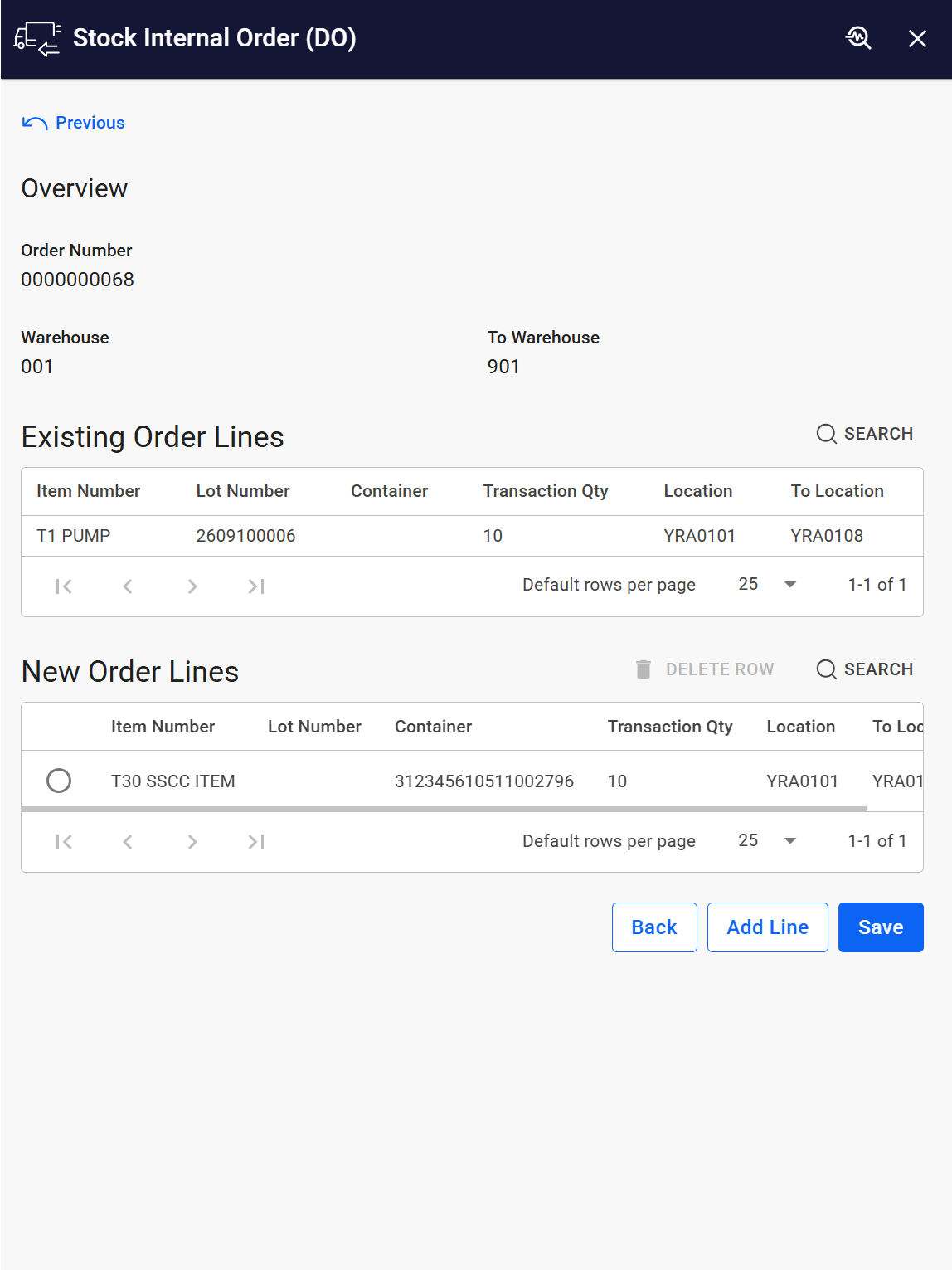
  • View existing and new distribution order lines, Either add more Order Lines or create Order Lines.


To learn more, click here.

Corresponding Infor M3 program(s) – MMS100/MMS101.

App Type Base Application
Flow version Connect
ERP Type Infor M3 Cloud
Process Area Logistics ERP
Library Standard Apps - Infor M3
Product Clients Mobile ClientWeb Client
Product Connectors Infor M3 REST API
Product Publisher Novacura Business Apps
Publishing Date
Powered by AI No

See It in Action

Want to see how this app works in your ERP environment? Request a demo and we’ll walk you through it.

Contact us:

info@novacura.com

  • Contact us via form
  • Contact customer service
Links
  • Novacura Website
  • Flow Documentation
  • Novacura Forum
Social media
  • LinkedIn
  • YouTube
  • X
  • Facebook
Languages

© Copyright 2005 – 2025    |   ALL RIGHTS RESERVED   |   Privacy Policy   |   Terms of Use