
This is an Example application showcasing how to transform irregular free-form data into clean, structured tables for faster and smarter purchasing decisions.
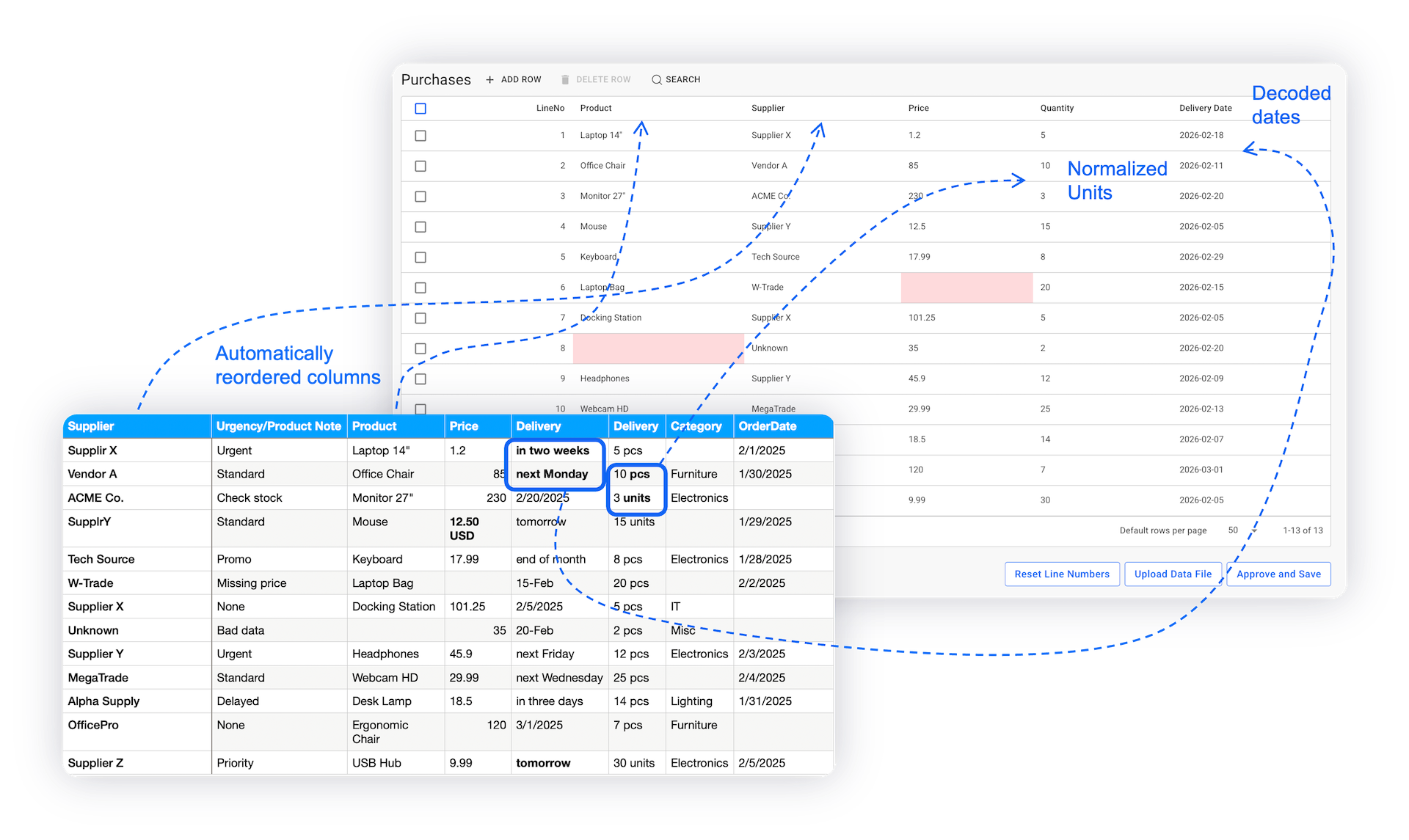
This application example demonstrates how AI can be used to read, understand, and normalize irregular and inconsistent data into structured, usable tables. Designed around a purchasing planning scenario, the application helps organizational stakeholders convert messy CSV or free-form input into a clean list of purchase-related data, reducing manual effort and improving data quality.
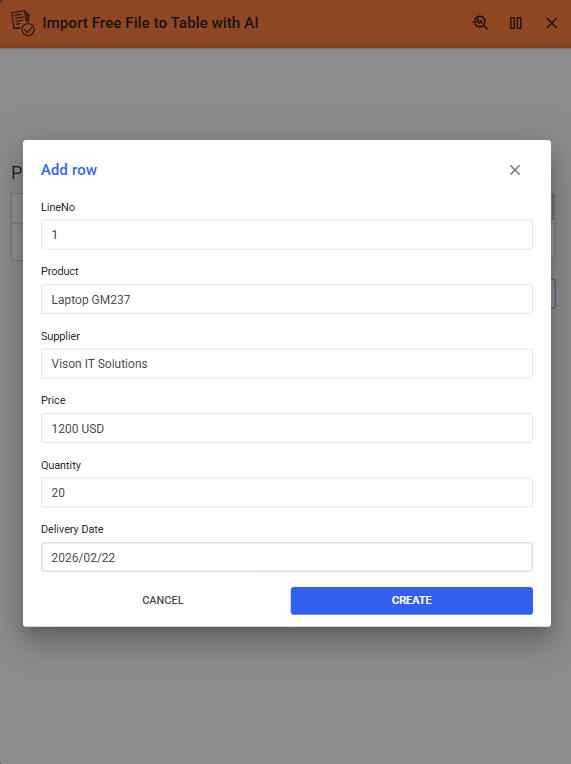
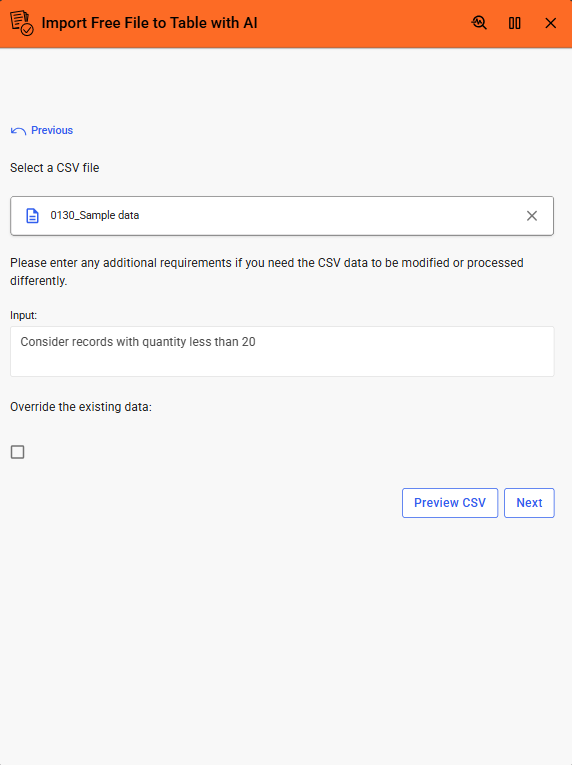
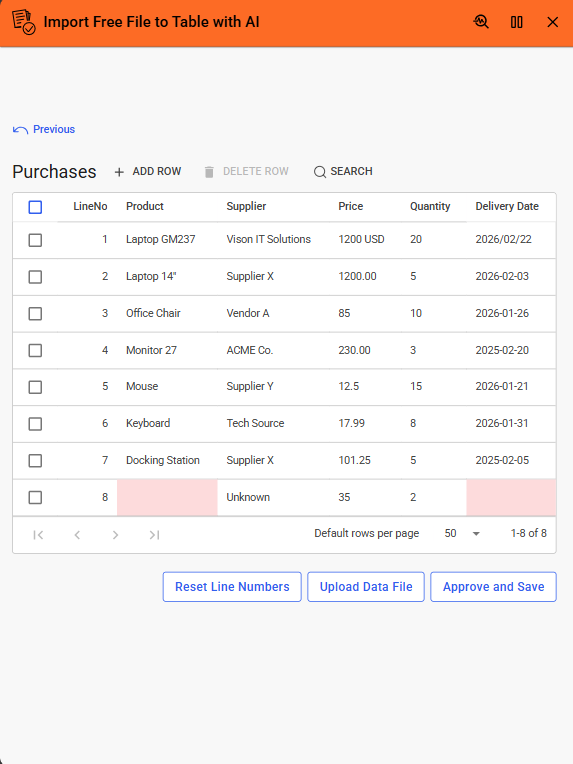
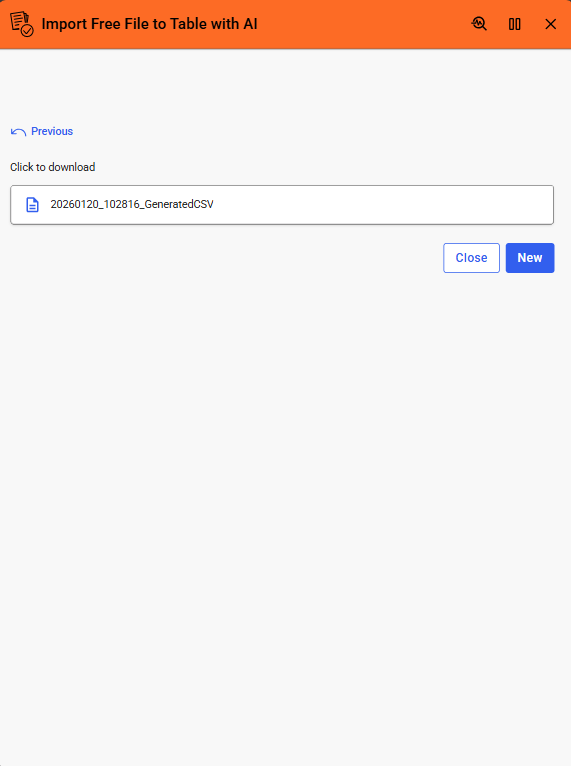
The application offers flexible interaction through manual table updates, CSV file uploads, and AI-assisted data cleaning. Users can preview files, provide additional instructions to the AI, and review or edit AI-generated results before finalizing. The solution also supports downloading the cleaned data as a CSV file, making it easy to reuse or restart with new inputs. Overall, this application showcases how AI can simplify data import workflows and accelerate decision-making in real-world enterprise scenarios.
AI Setup & Configuration
To use AI features effectively, some user-side setup is required. Make sure all necessary configurations are completed.
| App Type | Example |
| Flow version | Connect |
| ERP Type | Generic |
| Process Area | Generic |
| Library | Standard Apps - Base |
| Product Clients | Mobile ClientWeb Client |
| Product Connectors | REST Service / OpenAI |
| Product Publisher | Novacura Business Apps |
| Publishing Date | 20.01.2026 |
| Powered by AI | YES |