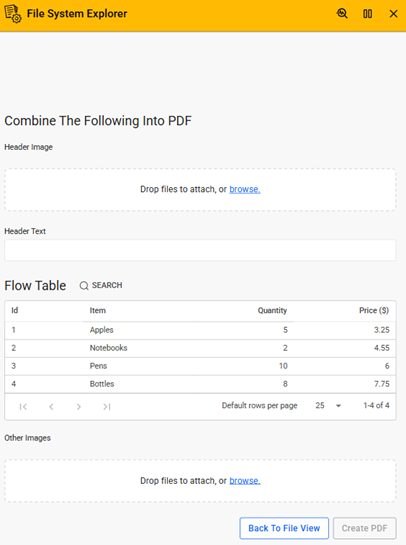
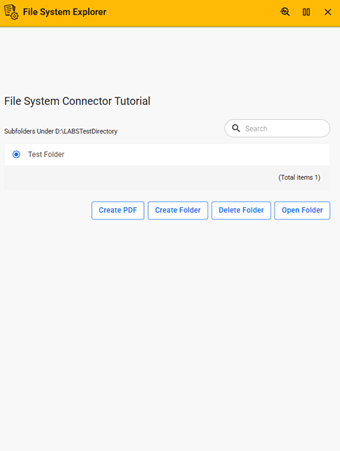

This tutorial demonstrates how to use the File System Connector to manage folders and files, including creating, moving, copying, and deleting files, as well as generating and merging PDF documents.
This tutorial serves as a hands-on guide for the File System Connector, illustrating how to perform file and folder operations directly on a server environment through a structured interface.
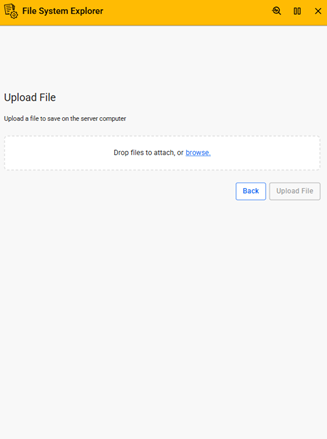
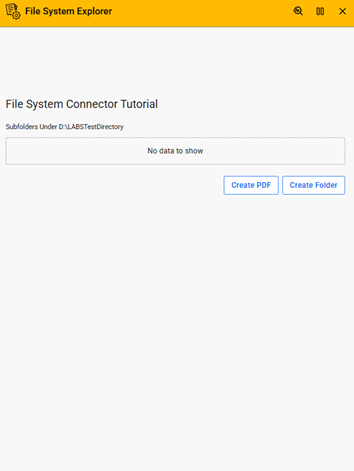
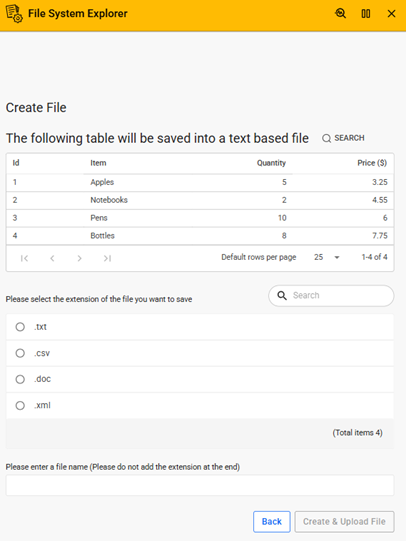
It guides users through managing directories by creating, opening, and deleting folders while enforcing common file system rules such as preventing deletion of non-empty folders. The application also demonstrates essential file operations, including creating text-based files from Flow data, uploading files to the server, copying existing files, moving files between folders, and deleting files when no longer needed.
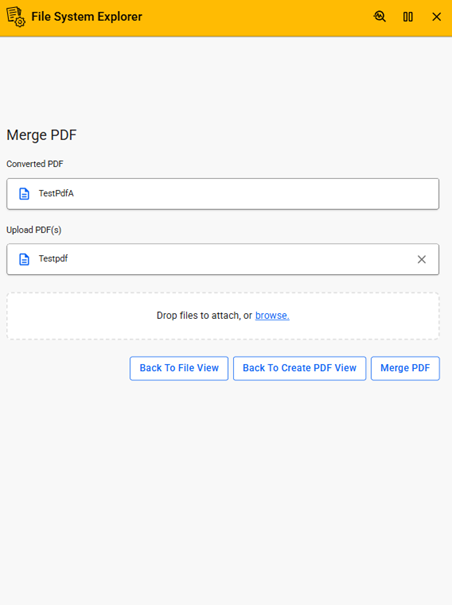
In addition to basic file management, the application highlights advanced capabilities such as generating PDF documents from dynamic content. Users can create PDFs by combining header images, text, and Flow table data into HTML-based templates, as well as append additional images to enrich the output. The application also includes functionality to merge multiple PDF files into a single document for easier distribution and management.
Through step-by-step tasks, users gain practical experience in configuring file paths, interacting with server directories, and leveraging connector capabilities to build real-world file handling solutions.
This application is ideal for developers and solution designers who want to understand and implement file system operations, document generation, and PDF processing within their Flow applications.
| App Type | Tutorial |
| Flow version | Connect |
| ERP Type | Generic |
| Process Area | Generic |
| Library | Free Apps Standard Apps - Base |
| Product Clients | Web ClientMobile Client |
| Product Connectors | File System Connector |
| Product Publisher | Novacura Business Apps |
| Publishing Date | 20.03.2026 |
| Powered by AI | No |