
This tutorial shows how to create custom portal interfaces in Novacura Flow Connect using the Custom Content Portlet with HTML, CSS, data sources, and interactive portal components.
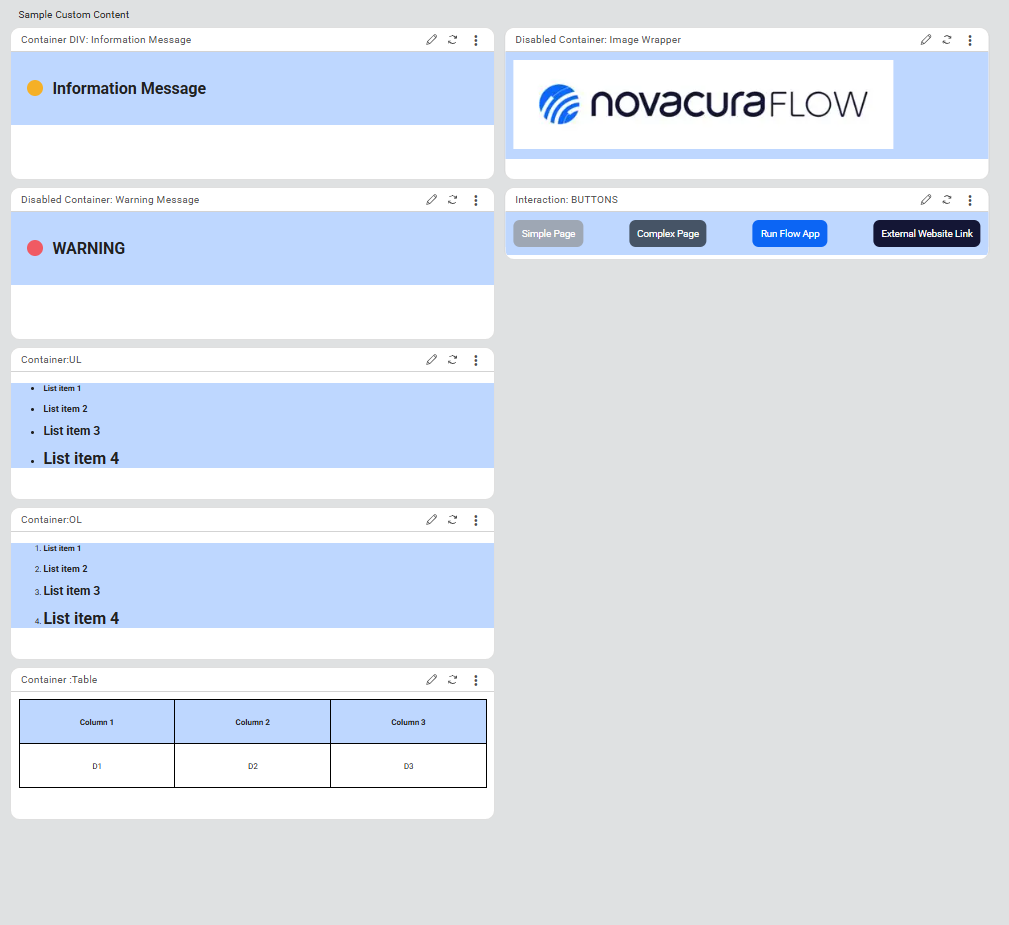
This tutorial demonstrates how to build customized portal interfaces in Novacura Flow Connect using the Custom Content Portlet. It explains how HTML and CSS can be used to design flexible portal components that display data, respond to events, and interact with Flow applications.
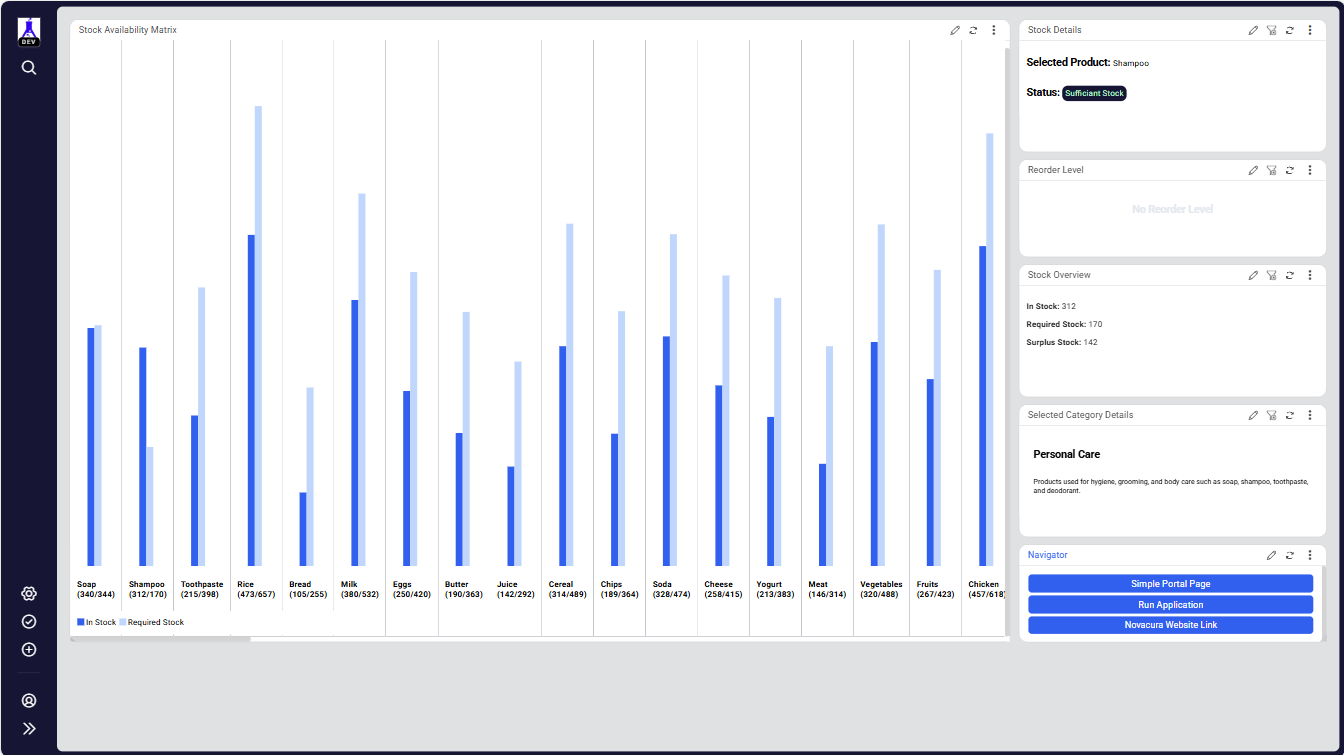
The tutorial guides users through the complete process of creating custom portlets, connecting them to Flow component data sources, and presenting dynamic data within the portal. It also shows how to configure event listeners between portlets and enable interactions that trigger applications or navigate to other portal pages.
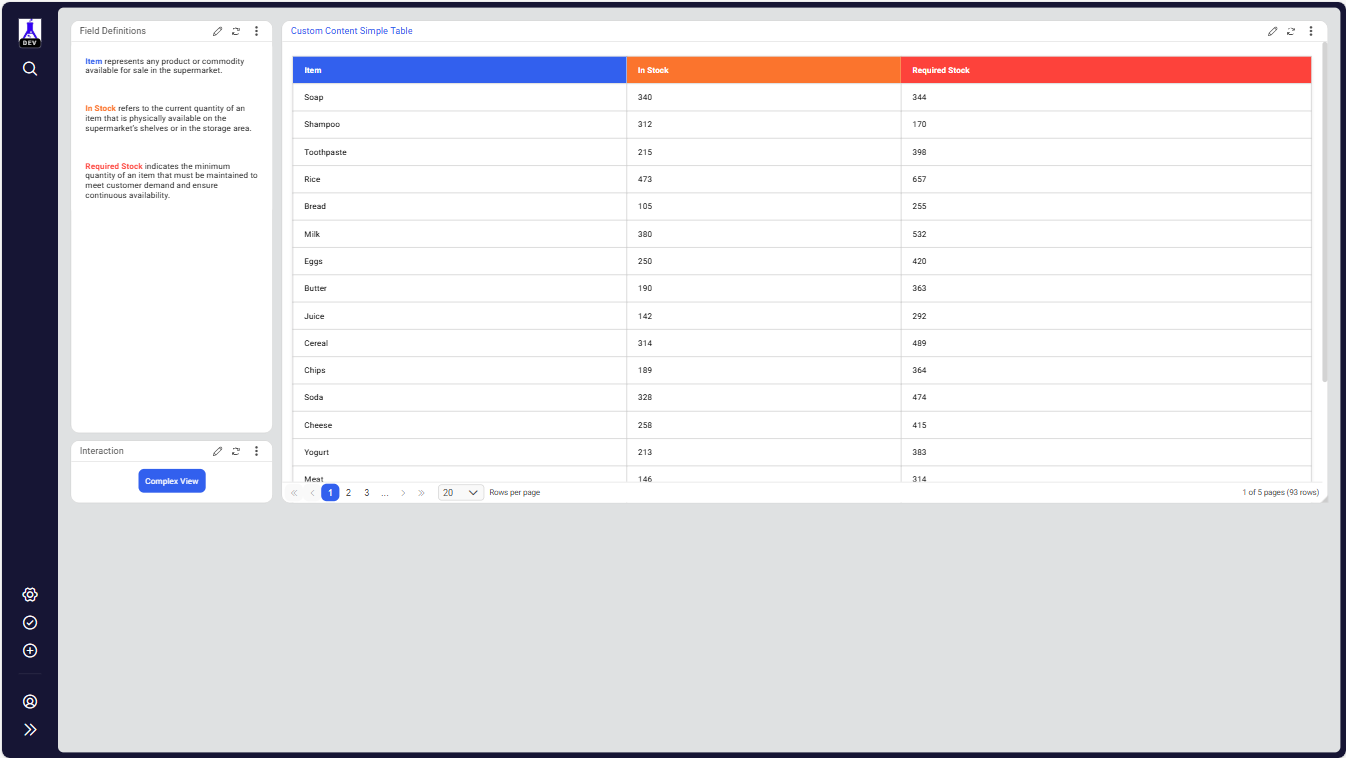
Users will learn how to design static and dynamic content sections, render data tables, implement pagination, and build interactive elements that respond to user actions. The tutorial also demonstrates how portal components can communicate with each other using events to dynamically update content.
This tutorial is ideal for developers and solution designers who want to extend the Novacura Flow Connect Portal with fully customized user interfaces and interactive dashboards.
| App Type | Tutorial |
| Flow version | Connect |
| ERP Type | Generic |
| Process Area | Generic |
| Library | Free Apps Standard Apps - Base |
| Product Clients | Web Client |
| Product Publisher | Novacura Business Apps |
| Publishing Date | 17.03.2026 |
| Powered by AI | No |