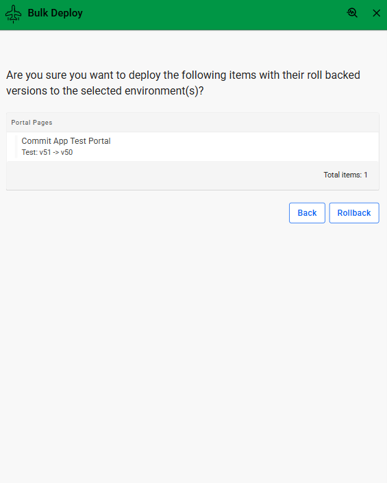
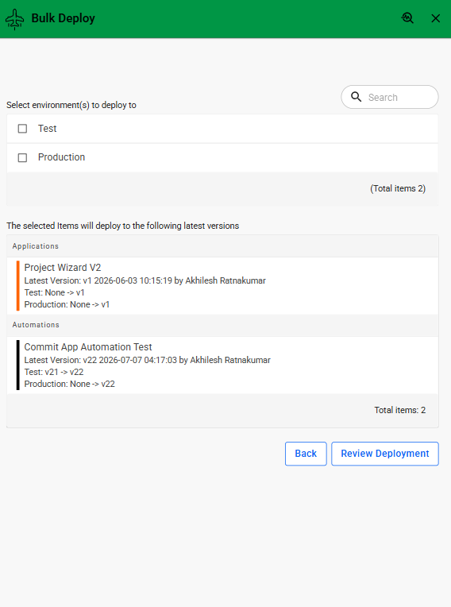
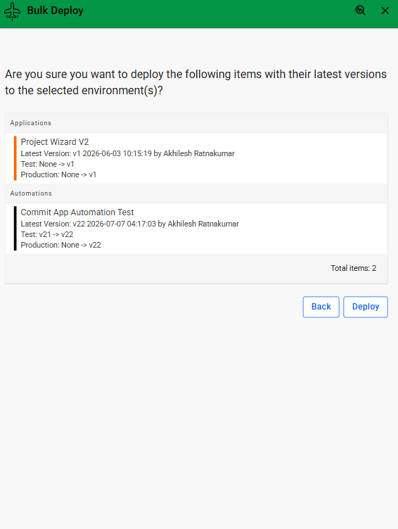
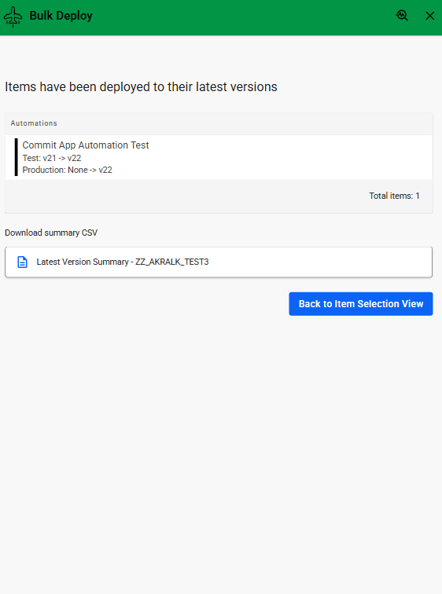

A service offered by Novacura for bulk deploying, un-deploying, and rolling back Applications, Portal Pages, and Automations across multiple environments, simplifying deployment management and version control.
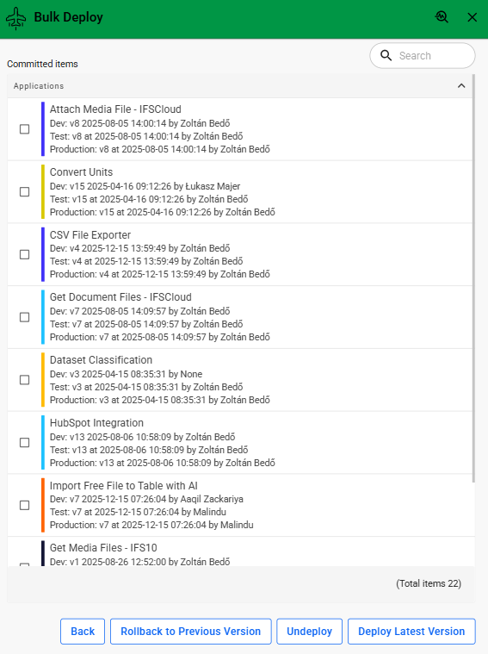
This is a Novacura-hosted service designed to help users efficiently manage deployments across multiple environments by performing deployment-related operations on several items simultaneously. The service supports bulk deployment of the latest committed versions, bulk un-deployment of deployed items, and bulk rollback to previously deployed versions where applicable.
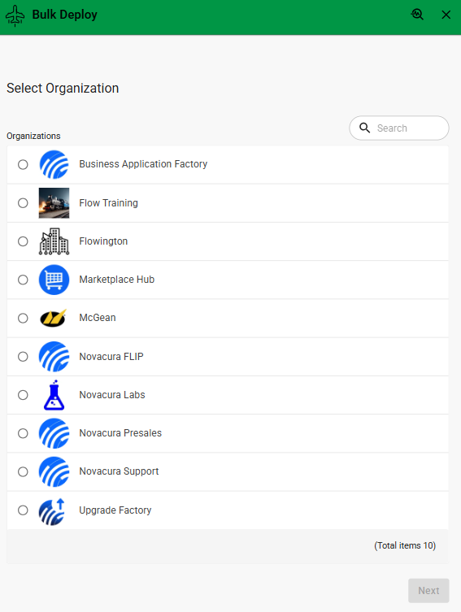
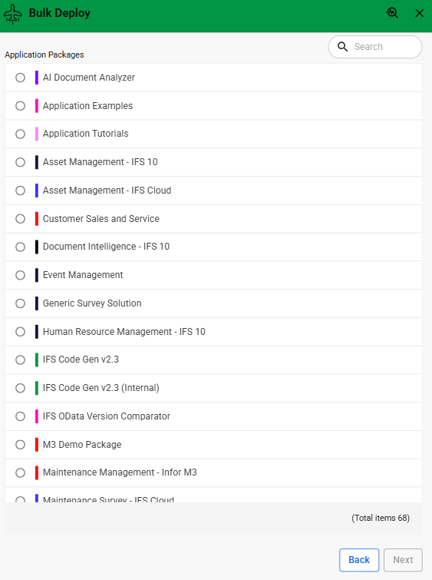
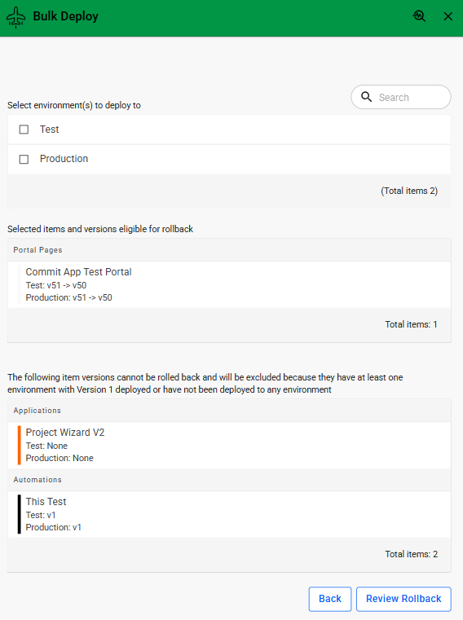
Users can navigate through a straightforward workflow by selecting an organization, choosing an application package, and selecting one or more Applications, Portal Pages, or Automations. Depending on the required operation, users can deploy the latest committed versions to selected environments, remove deployed versions from environments, or roll back eligible items to their previously deployed versions. Throughout the process, the application provides clear summaries of eligible and non-eligible items, allowing users to review all changes before confirming the operation.
Once the selected operation is completed, the application displays a confirmation screen and provides a downloadable Summary Excel file containing details of all deployed, undeployed, or rolled-back items for auditing and record-keeping purposes.
This application is hosted internally and delivered as a service through the Marketplace Hub. Users can access it directly via the Flow Extensions portal page without the need for installation.
Launch Application: Click Flow Extensions Portal
For detailed instructions and guidance on how to use the application, including bulk deployment, un-deployment, rollback, environment selection, and reviewing deployment summaries, refer to the documentation, Learn more.
This solution is ideal for developers, release managers, system administrators, and solution architects who need an efficient and reliable way to manage deployments, revert changes when necessary, and maintain consistency across multiple environments.
| App Type | Flow Platform Extensions |
| Flow version | Connect |
| ERP Type | ERP Independent |
| Process Area | Other ERP |
| Library | Standard Apps - Base |
| Product Clients | Mobile ClientWeb Client |
| Product Connectors | Flow Hub ApiFlow Hub Api Portal Commit |
| Product Publisher | Novacura Business Apps |
| Publishing Date | 27.07.2026 |
| Powered by AI | No |
Want to see how this app works in your ERP environment? Request a demo and we’ll walk you through it.