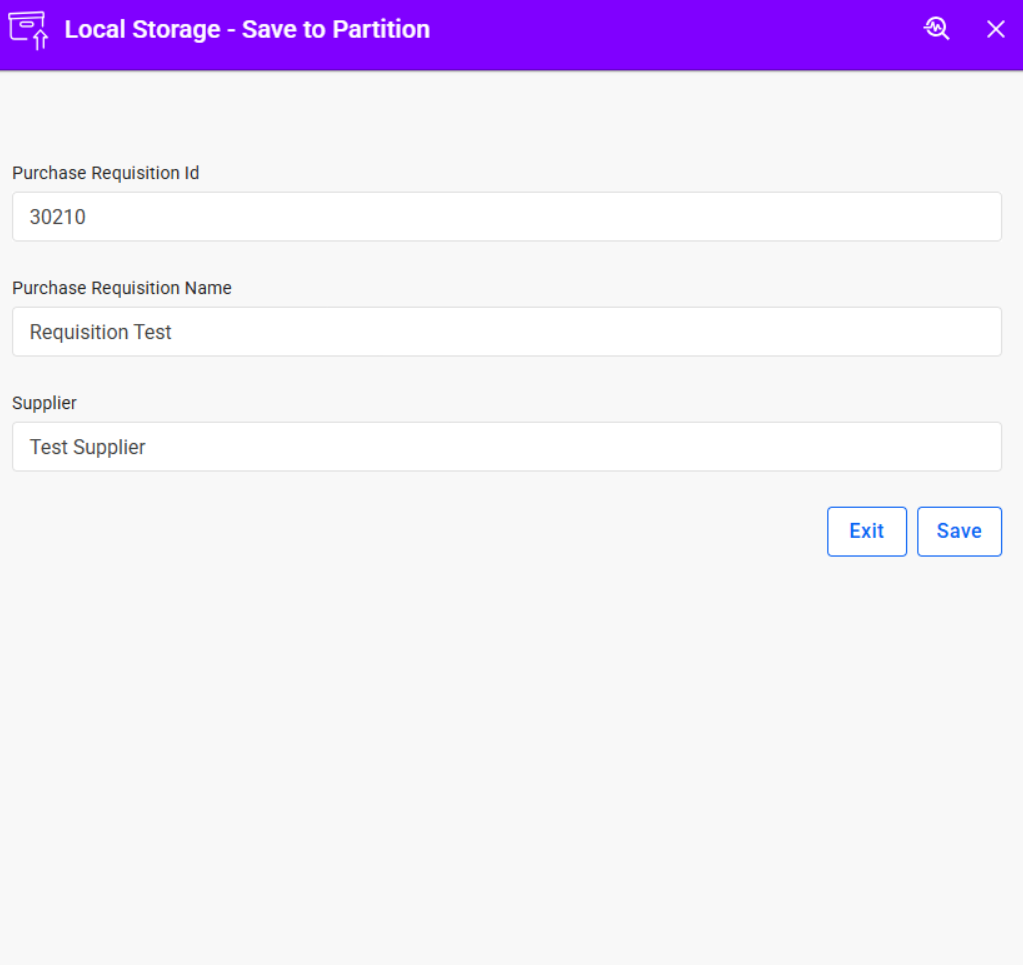
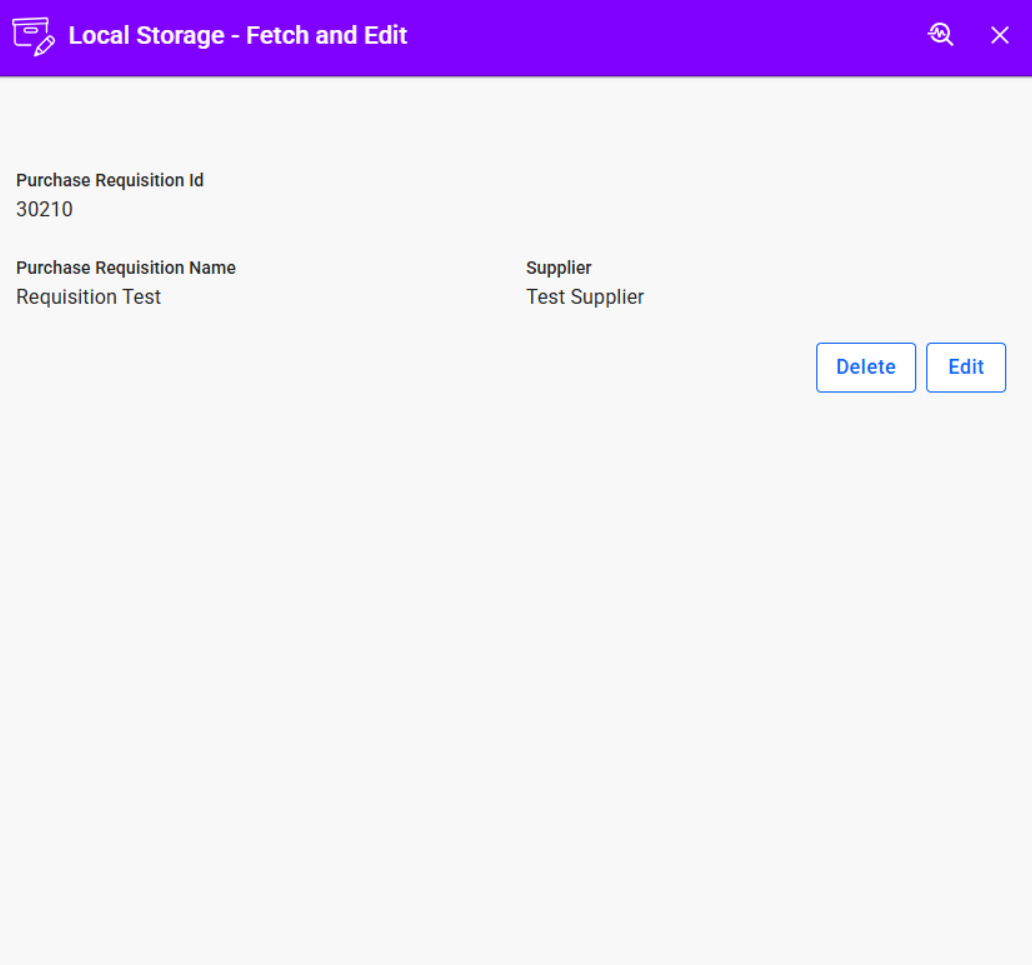
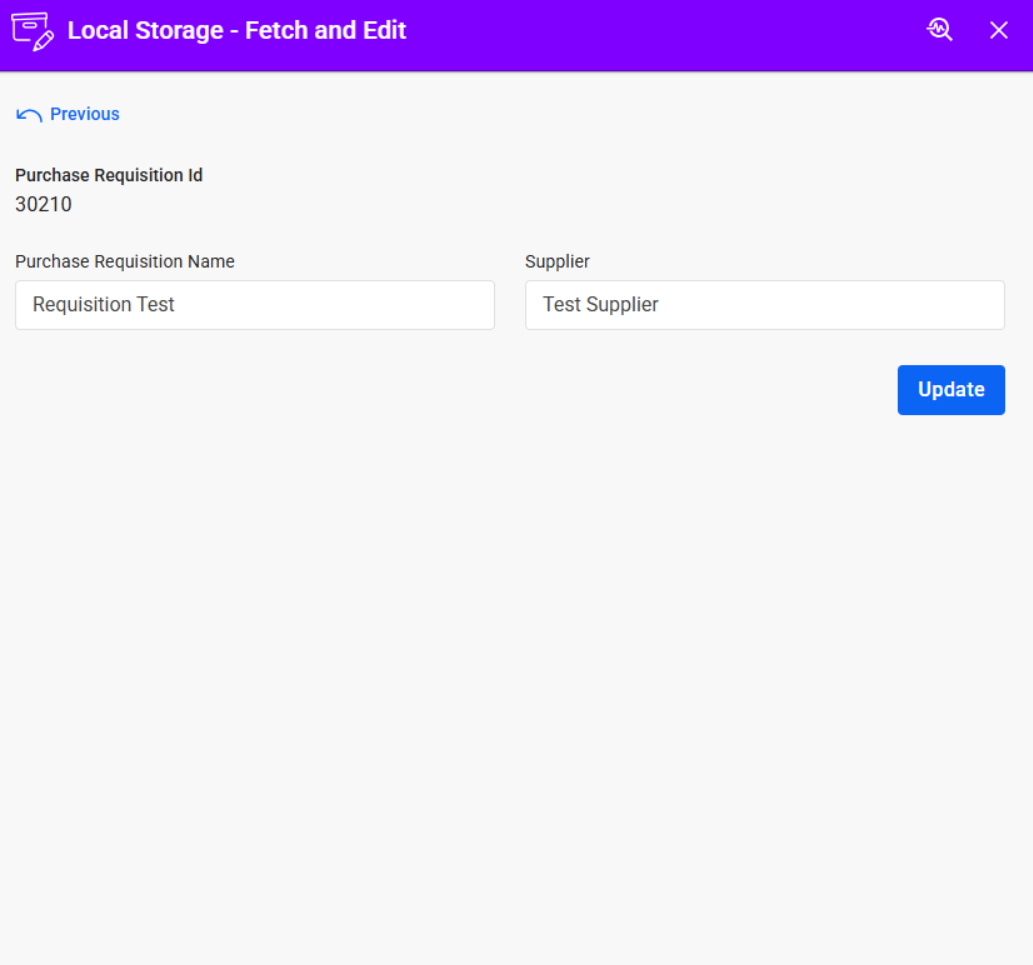
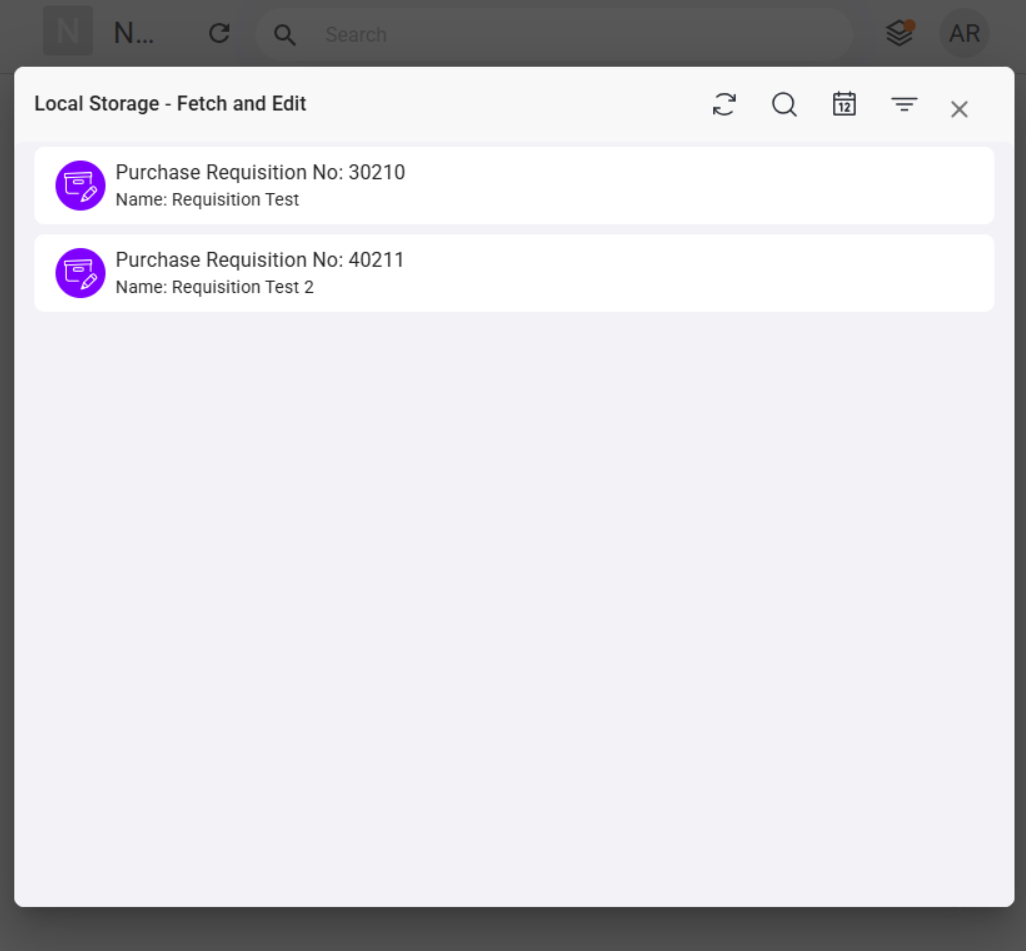
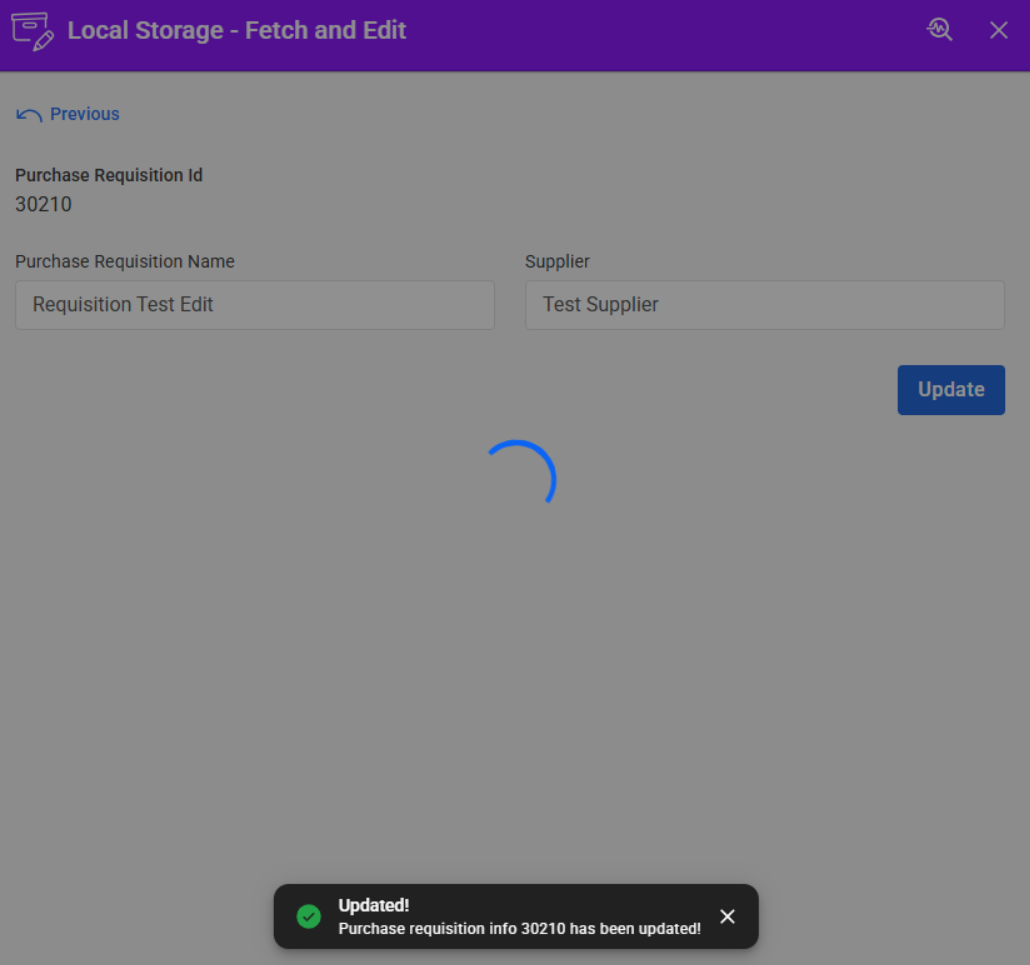

This tutorial demonstrates how to use Local Storage in Novacura Flow Connect to store, retrieve, update, and delete data locally across applications within the same client session.
The tutorial guides users through the process of building a two-application scenario where Purchase Requisition data is created and saved in one application, then retrieved and displayed in another application for editing and deletion. It demonstrates how to use the Local Storage module methods to save records, list stored keys, retrieve stored data, update existing records, and remove records from storage.
Users will learn how locally stored data can be displayed through inbox-style interfaces, enabling users to view, edit, and manage records across applications.
Additional considerations are included to help developers understand session-based storage behavior, including how data is cleared when a user signs out, how duplicate keys overwrite existing records, and how Local Storage can be reset during testing.
| App Type | Tutorial |
| Flow version | Connect |
| ERP Type | ERP Independent Apps |
| Process Area | Other ERP Apps |
| Library | Free Apps Standard Apps - Base |
| Product Clients | Web ClientMobile Client |
| Product Publisher | Novacura Business Apps |
| Publishing Date | 18.06.2026 |
| Powered by AI | No |
Want to see how this app works in your ERP environment? Request a demo and we’ll walk you through it.