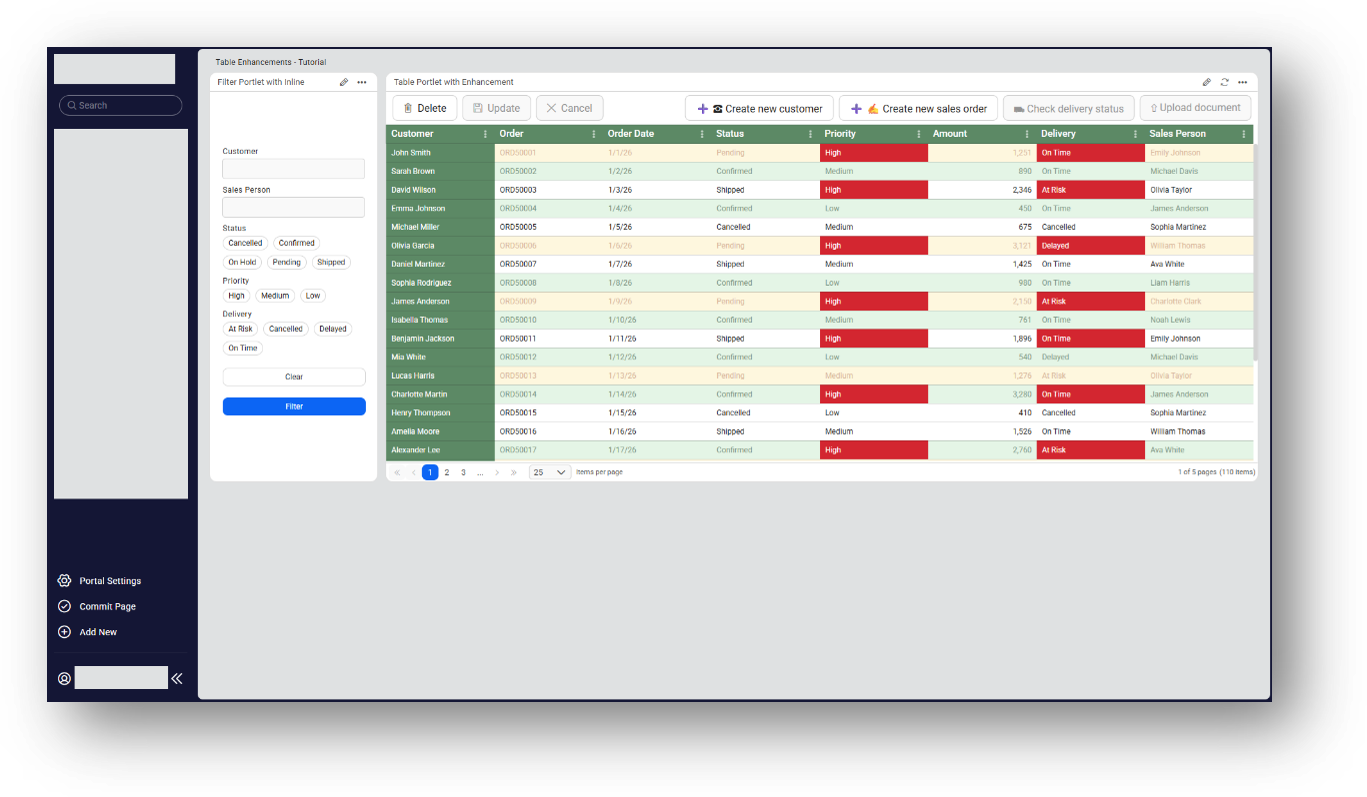
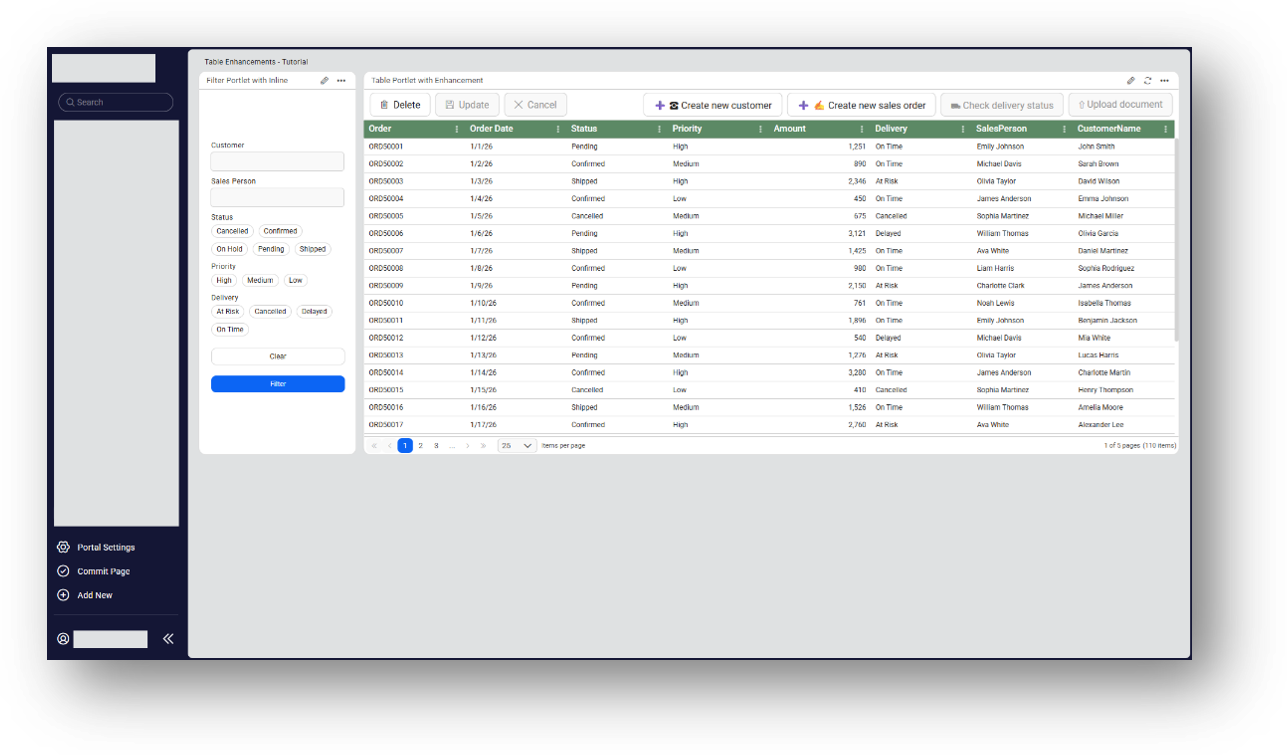
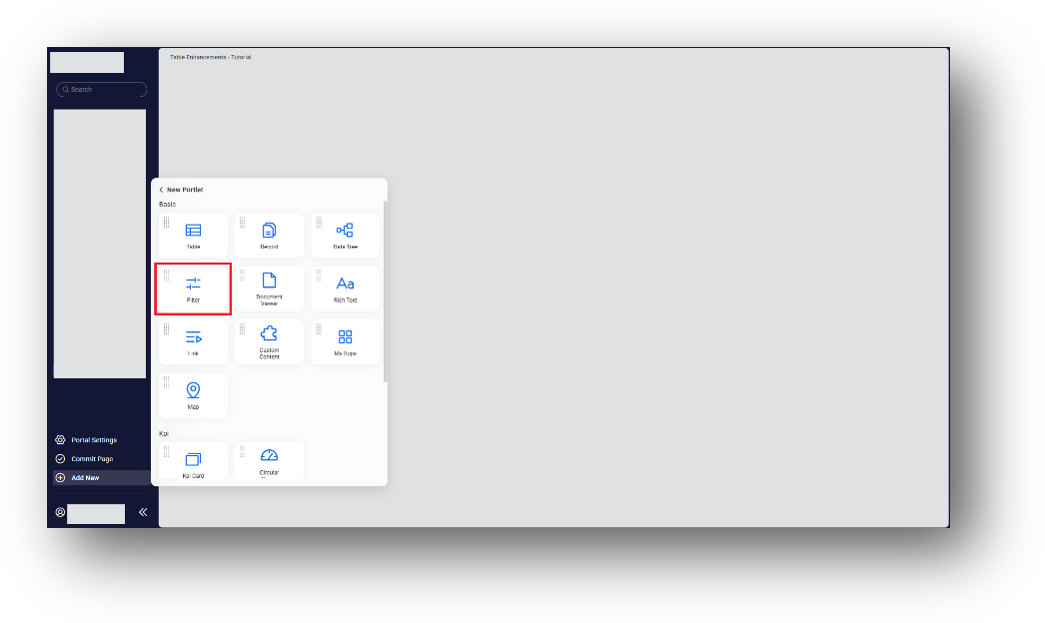
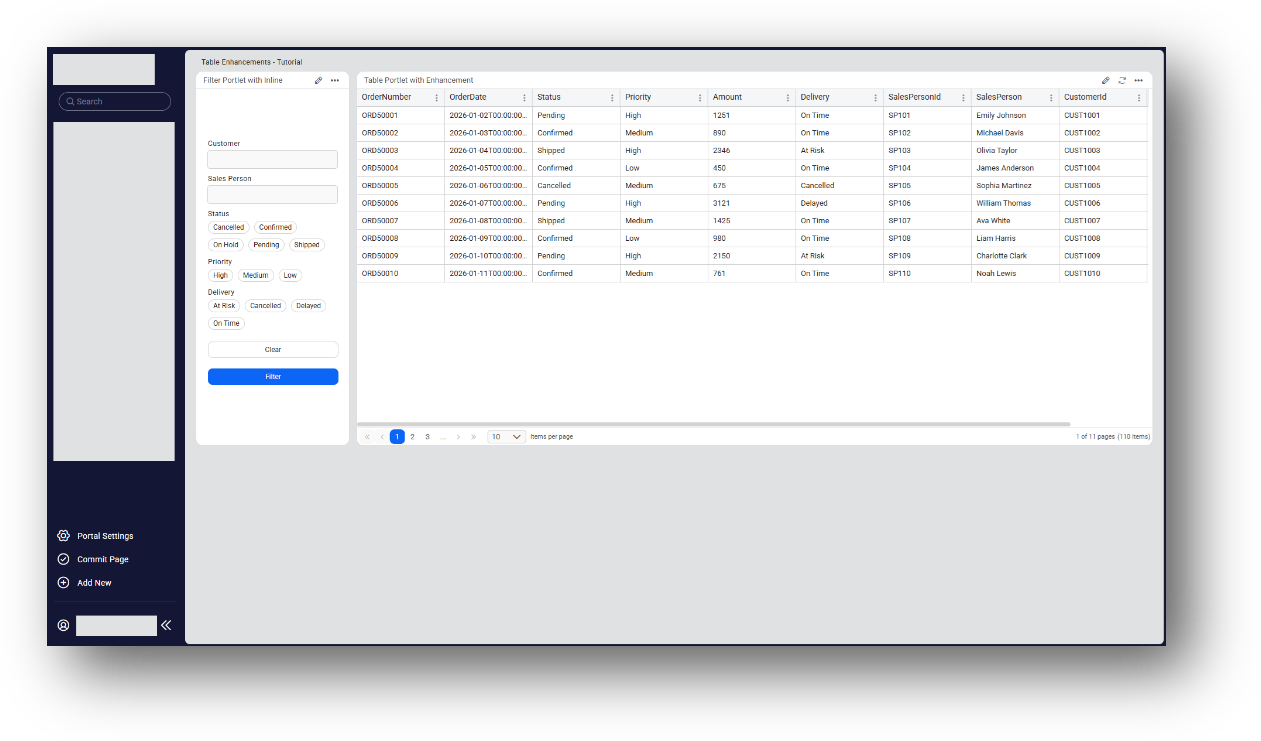

This tutorial demonstrates how to enhance Table and Filter Portlets in Novacura Flow Connect with advanced filtering, CRUD operations, custom actions, dynamic data, and conditional styling.
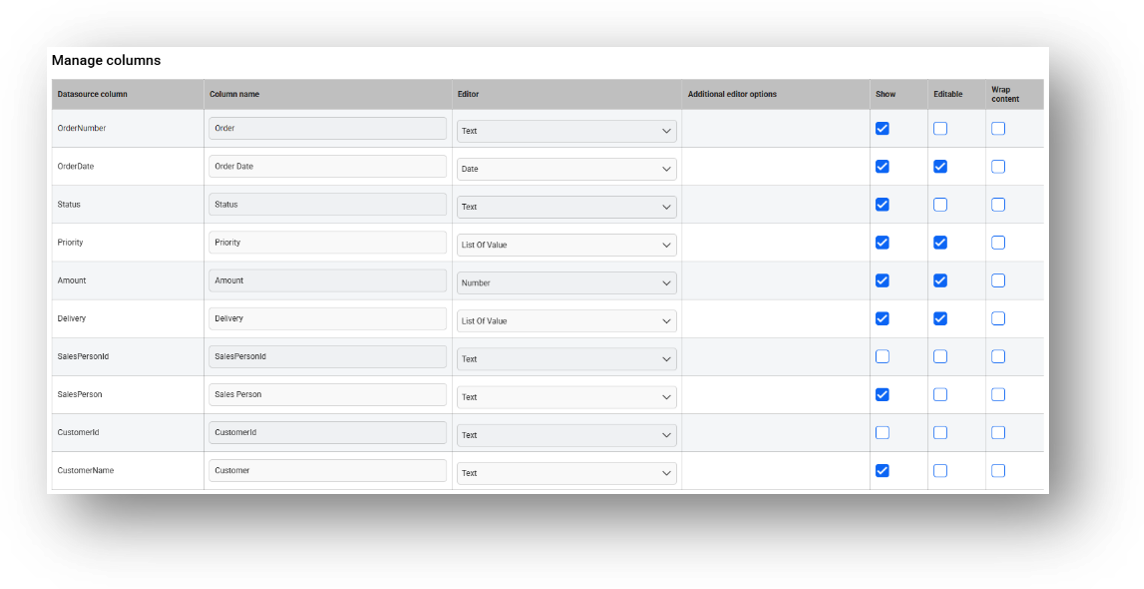
This tutorial demonstrates how to customize and enhance Table and Filter Portlets in Novacura Flow Connect to create interactive and data-driven portal pages. It guides users through configuring filters, connecting data sources, customizing table columns, and adding actions and styling to improve the usability of portal applications. Users will learn how to use advanced Table Portlet presentation and styling capabilities, including pagination, primary keys, grid line styles, font and header customization, button styling, column ordering, and conditional formatting. The tutorial also shows how to apply different styles to rows, columns, and cells based on data values, such as highlighting order statuses, customers, high-priority orders, and delivery information.
The tutorial includes sample applications, reusable components, and an MSSQL script containing the required tables and test data, providing the resources needed to reproduce the demonstrated configuration.
| App Type | Tutorial |
| Flow version | Connect |
| ERP Type | ERP Independent |
| Process Area | Other ERP |
| Library | Free Apps Standard Apps - Base |
| Product Clients | Portal |
| Product Publisher | Novacura Business Apps |
| Publishing Date | 08.09.2026 |
| Powered by AI | No |
Want to see how this app works in your ERP environment? Request a demo and we’ll walk you through it.