
This tutorial shows how to preload data for offline use in Novacura Flow, run workflows offline, and sync data back when reconnected.
This tutorial demonstrates how to use the offline capabilities of Novacura Flow by preloading data to a mobile device while online, executing workflows offline, and synchronizing data back to the server once connectivity is restored.
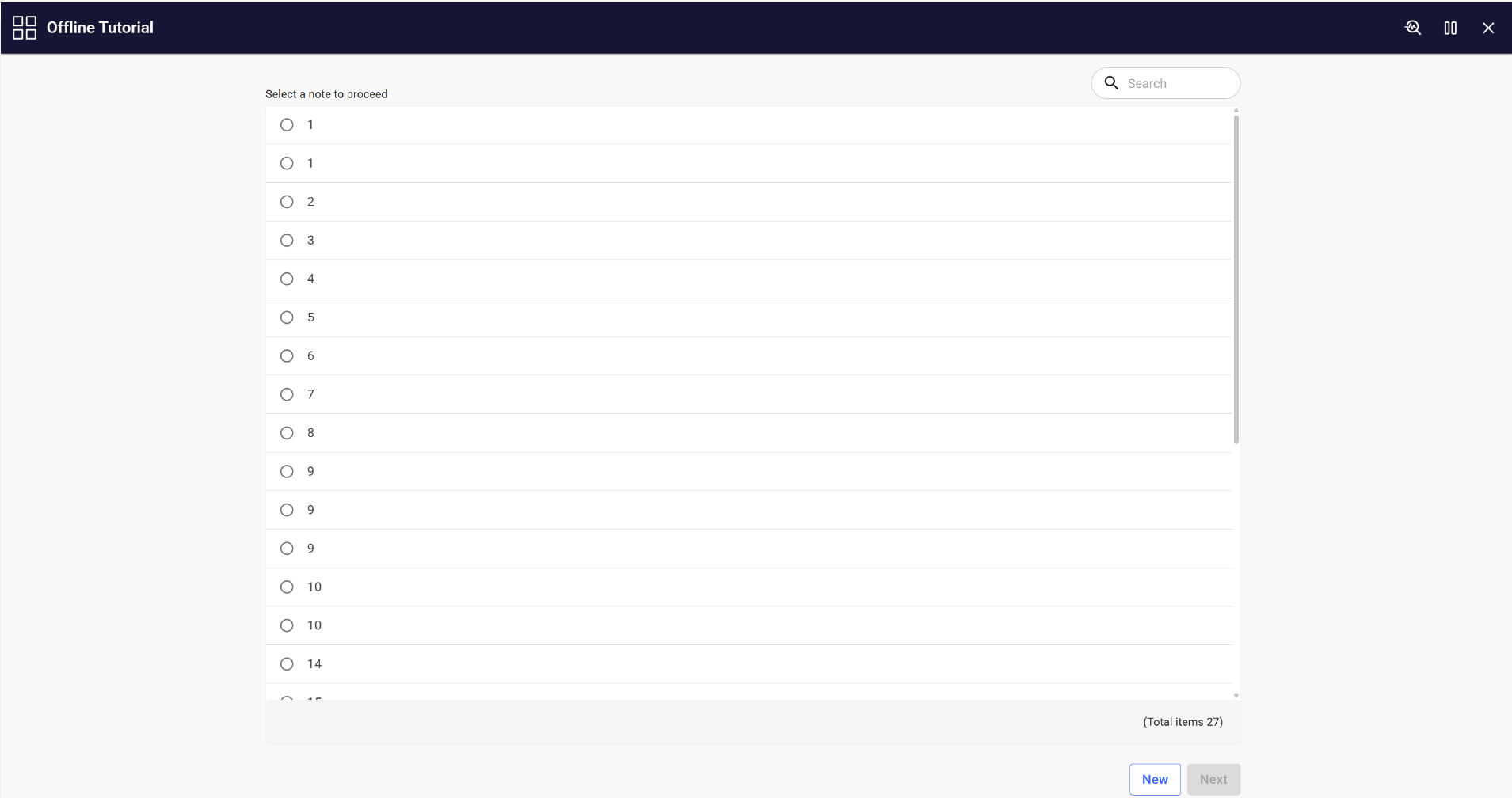
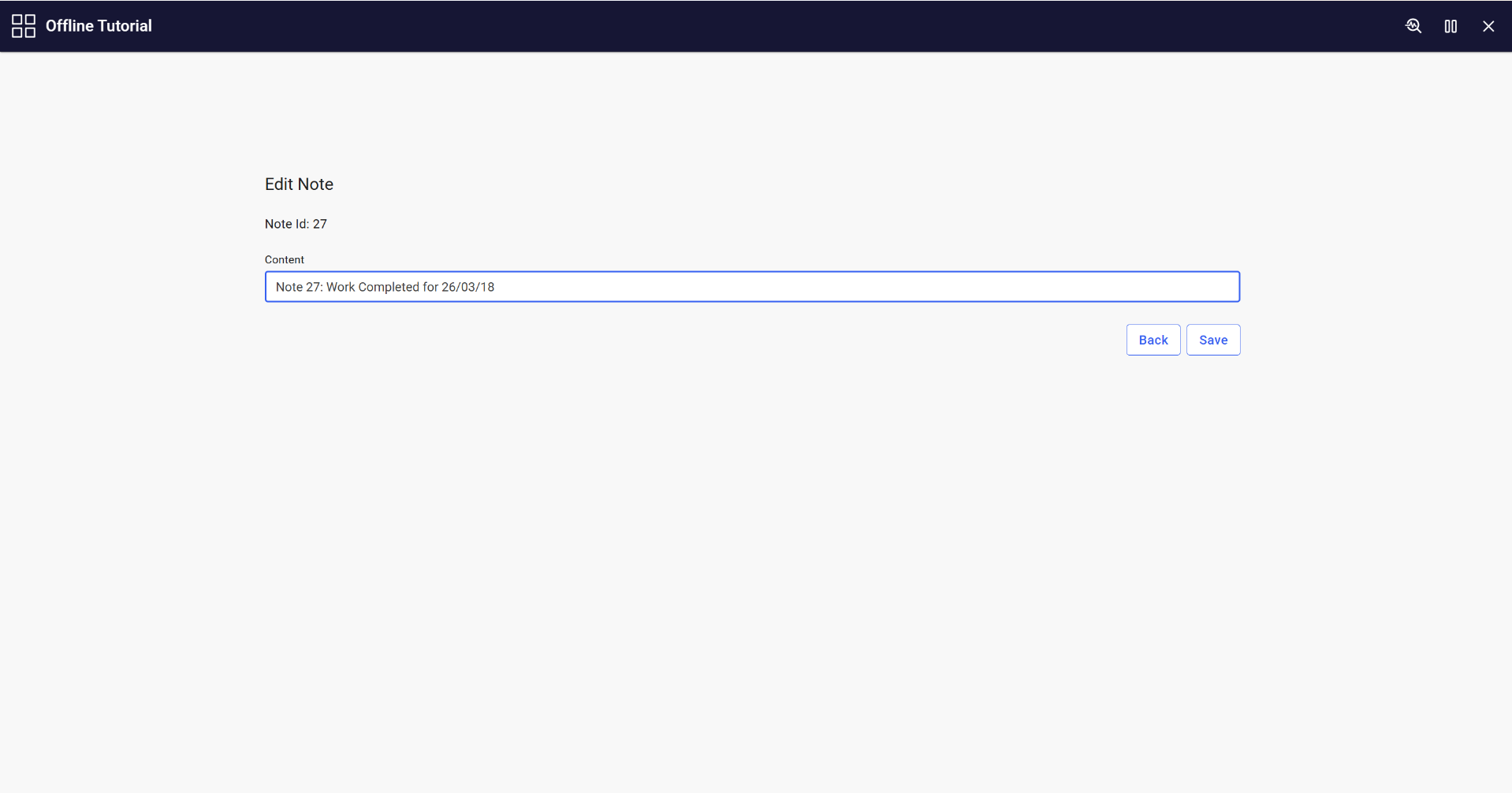
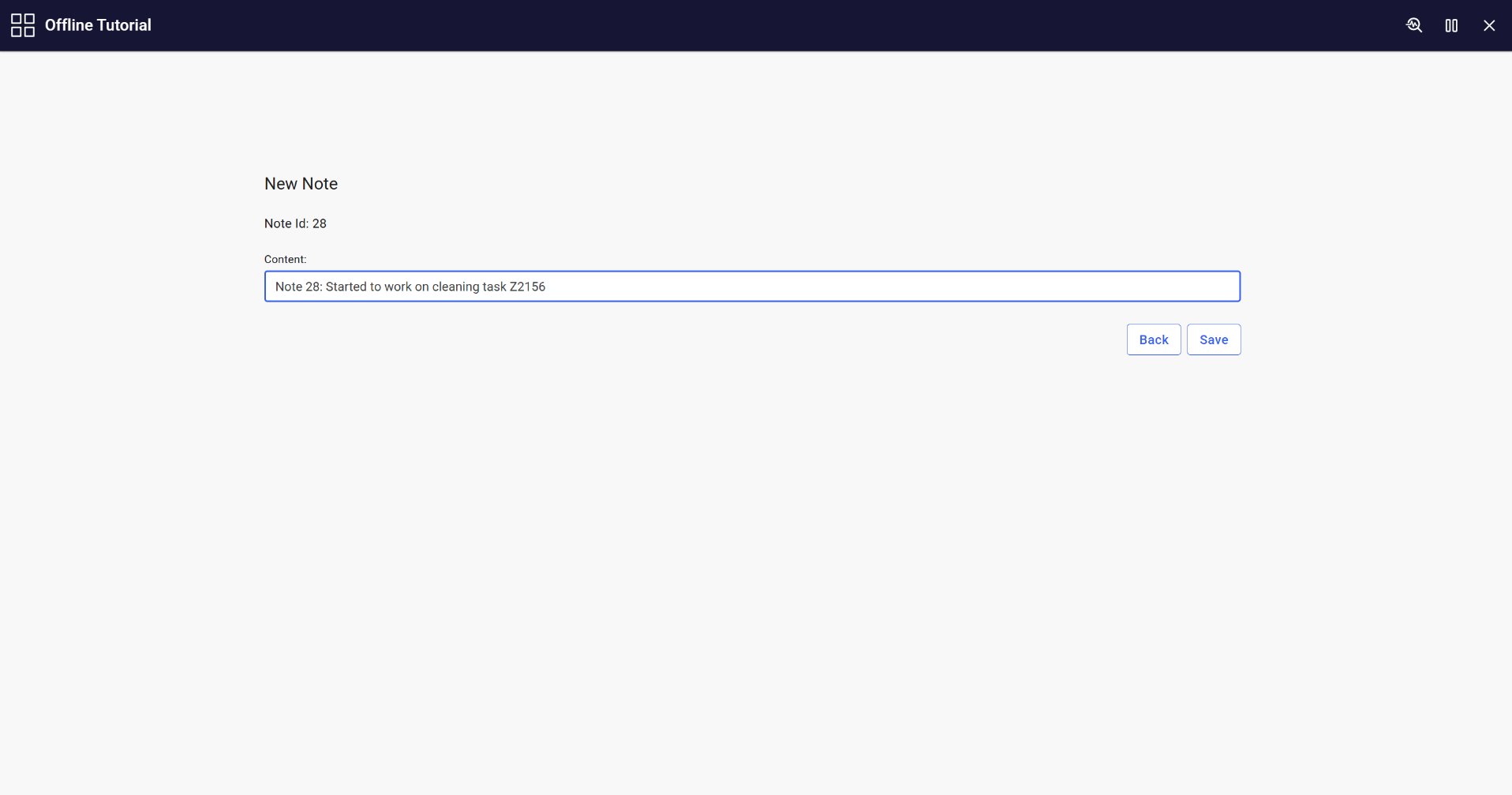
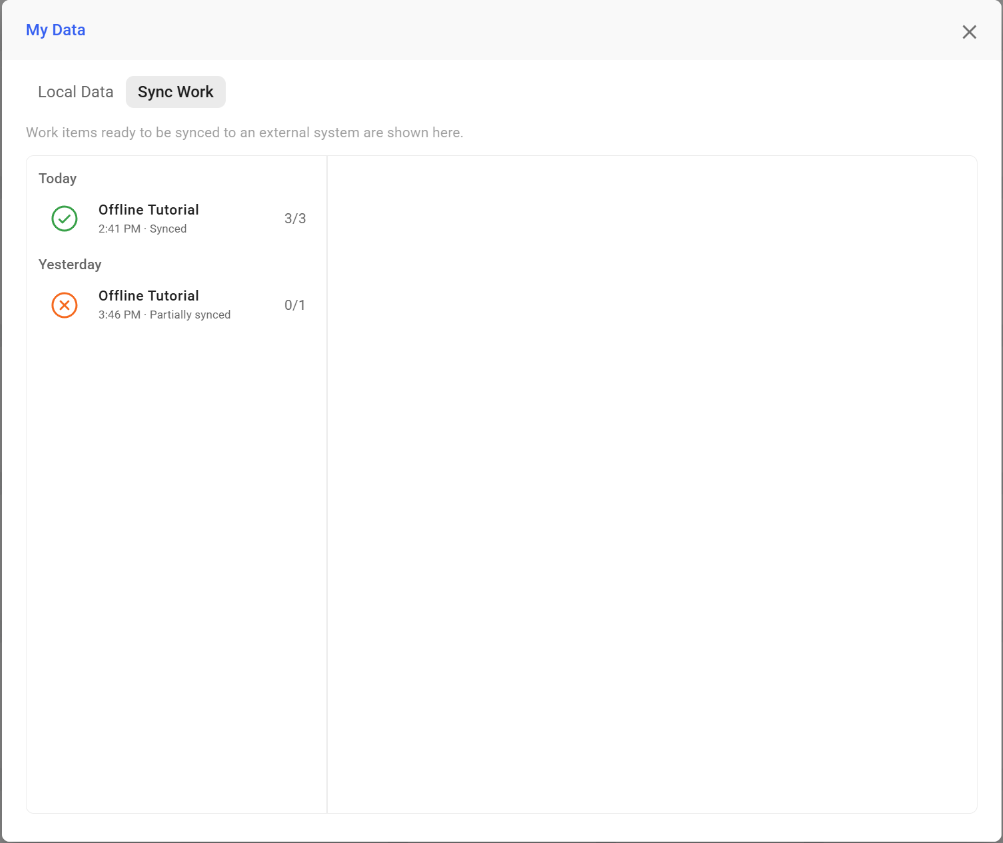
It guides users through the complete process of configuring offline support by preloading the required data sets, switching the application to offline mode, and running a workflow using the locally stored data. It also explains how to sync completed tasks and collected information back to the server once the device is reconnected.
This tutorial is ideal for field workers or remote scenarios where network connectivity is limited or unavailable.
| App Type | Tutorial |
| Flow version | Connect |
| ERP Type | ERP Independent |
| Process Area | Other ERP |
| Library | Free Apps Standard Apps - Base |
| Product Clients | N/A |
| Product Connectors | |
| Product Publisher | Novacura Business Apps |
| Publishing Date | 30.12.2025 |
| Powered by AI | No |
Want to see how this app works in your ERP environment? Request a demo and we’ll walk you through it.