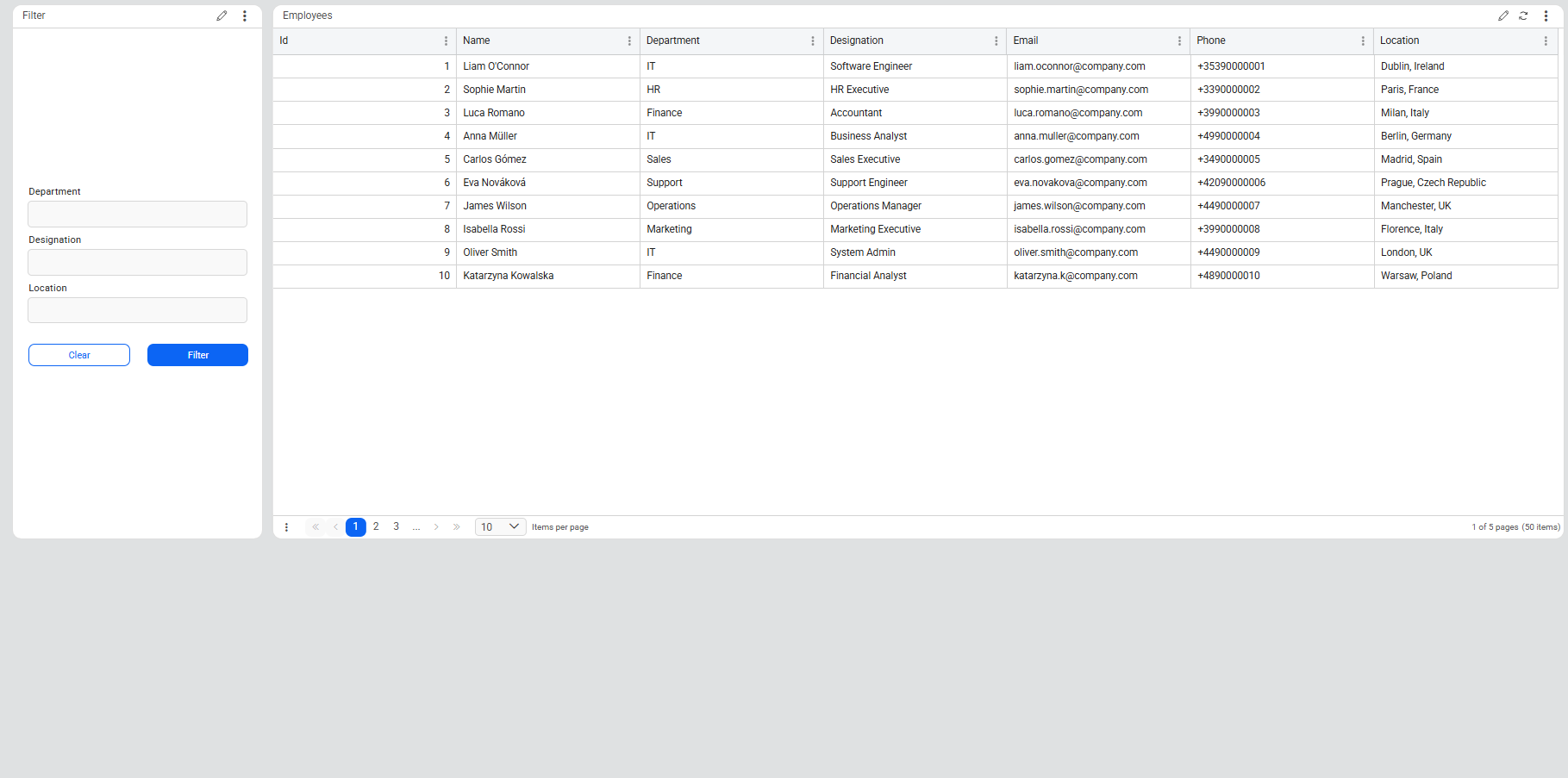

This tutorial shows how to implement multilingual support in Novacura Flow Connect using the Phrasebook and the ICU (International Components for Unicode) Message Format to manage translations across applications and portal pages.
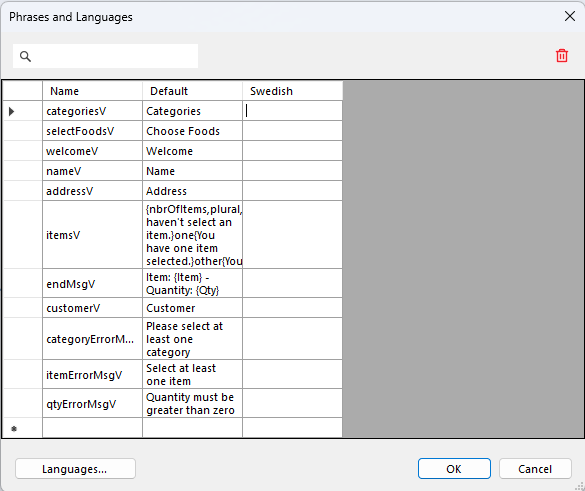
This tutorial demonstrates how to implement application translations in Novacura Flow Connect using the centralized Phrasebook. It explains how translations can be managed from a single location and applied across applications, components, and portal pages.
The tutorial guides users through configuring multiple languages, creating translation keys, and defining translated text for each language. It also introduces the ICU (International Components for Unicode) Message Format, an international standard used for creating dynamic messages that adapt to language-specific rules such as pluralization, numbers, gender, and contextual variables.
Using this format, a single translation can automatically adjust based on runtime values, ensuring that messages sound natural across different languages without requiring multiple hardcoded text variations.
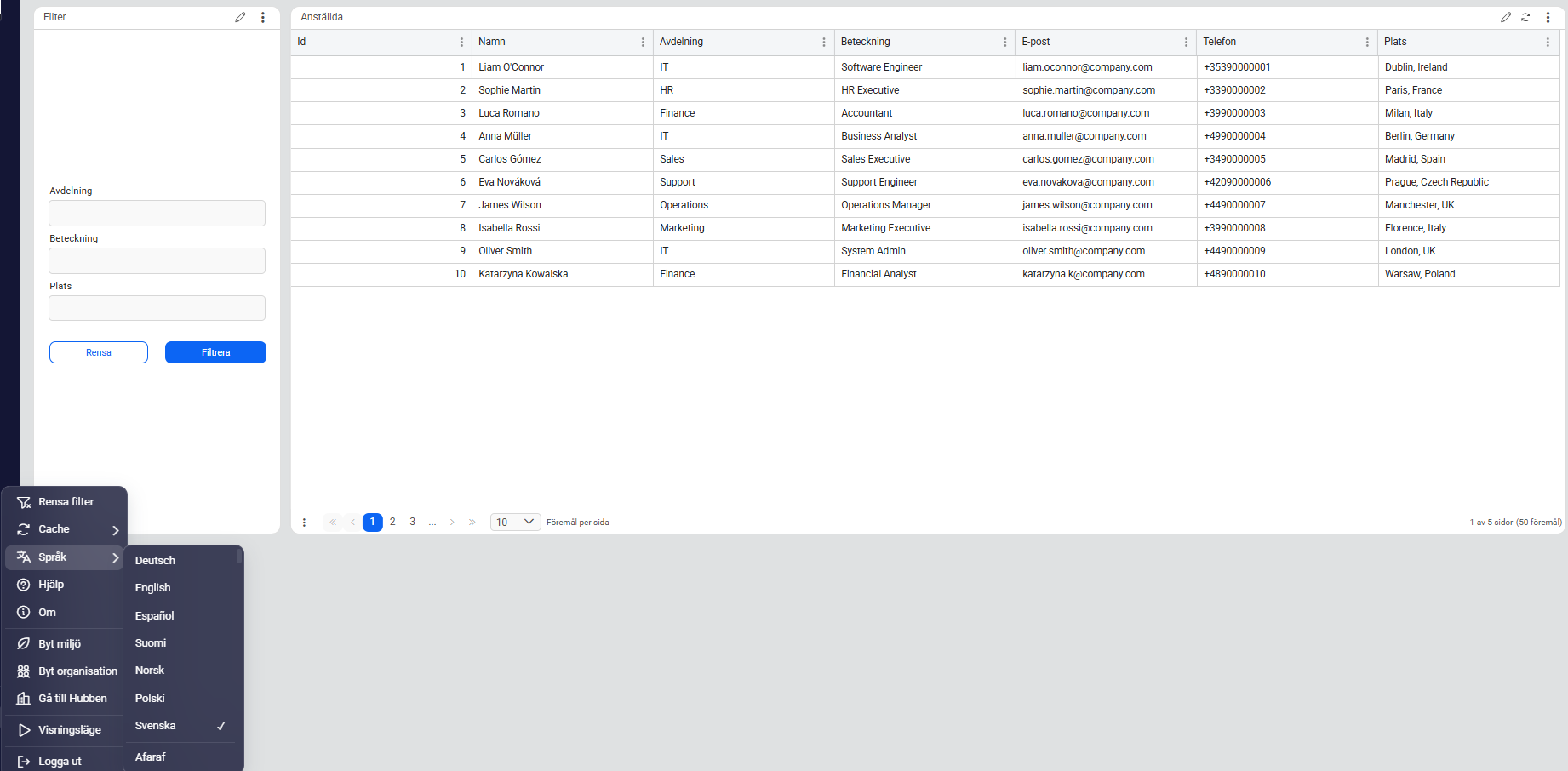
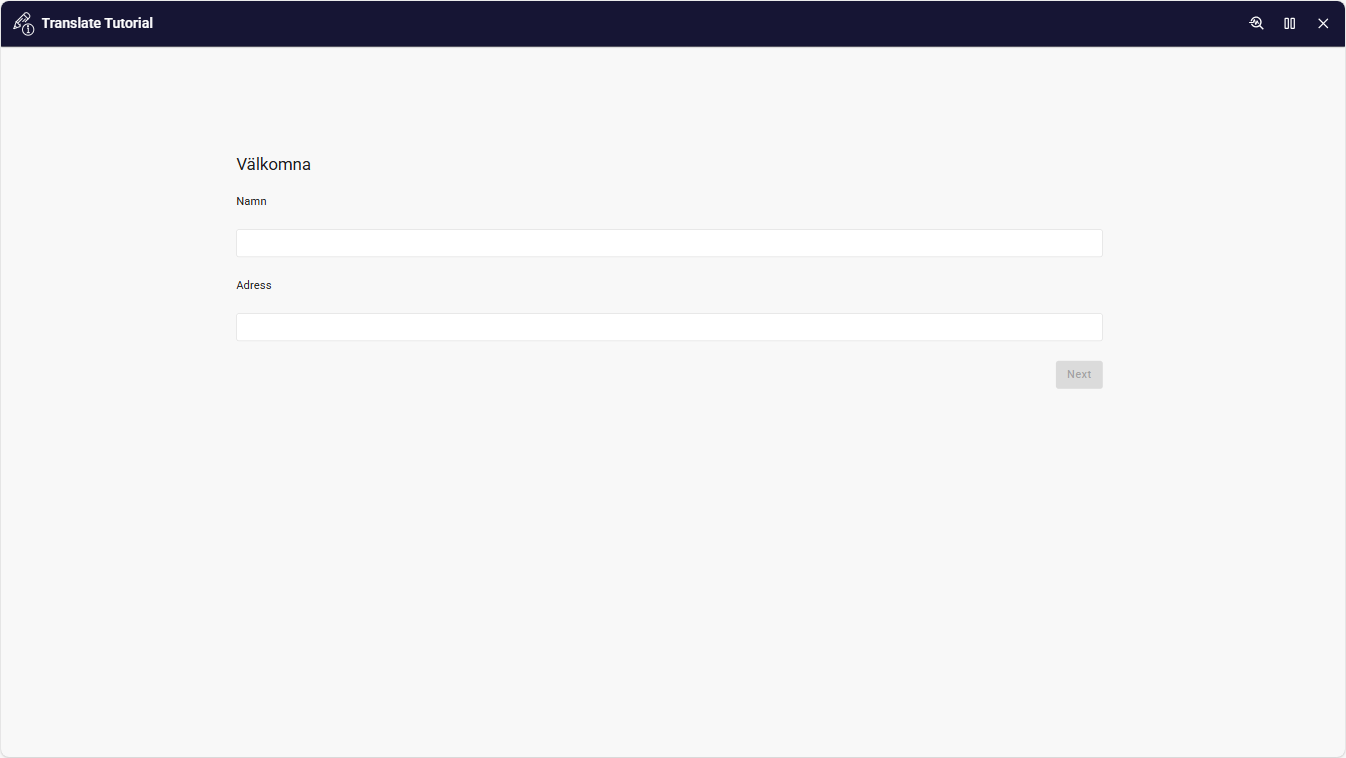
Users will learn how to configure translations within a Flow application and apply them to portal pages. The tutorial also demonstrates how to test language switching in the Web Client to verify that translated content is displayed correctly based on the selected language.
This tutorial is ideal for developers and solution designers who want to build multilingual applications and portals that provide a consistent user experience across different languages.
| App Type | Tutorial |
| Flow version | Connect |
| ERP Type | Generic |
| Process Area | Generic |
| Library | Free Apps Standard Apps - Base |
| Product Clients | Web Client |
| Product Publisher | Novacura Business Apps |
| Publishing Date | 17.03.2026 |
| Powered by AI | No |