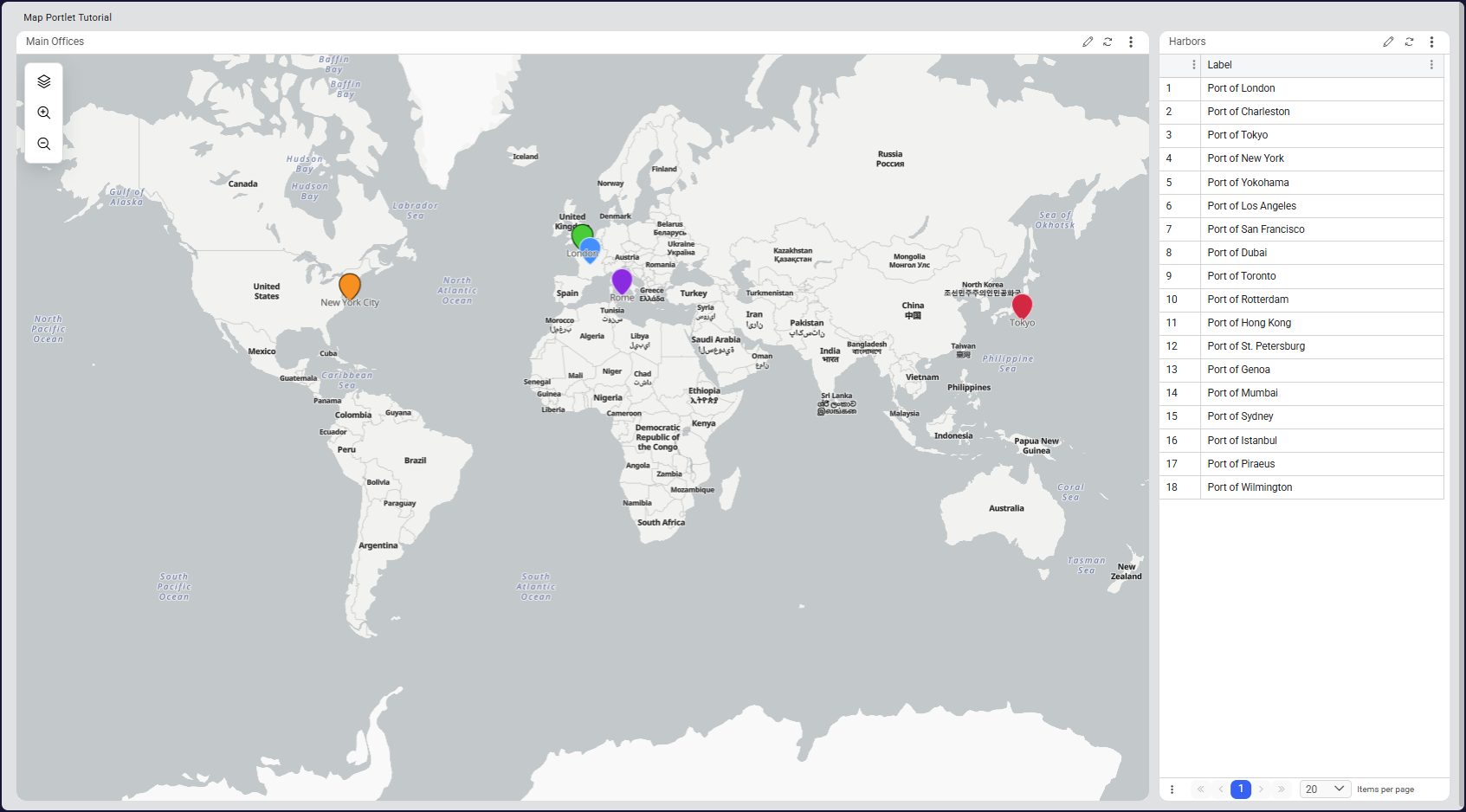
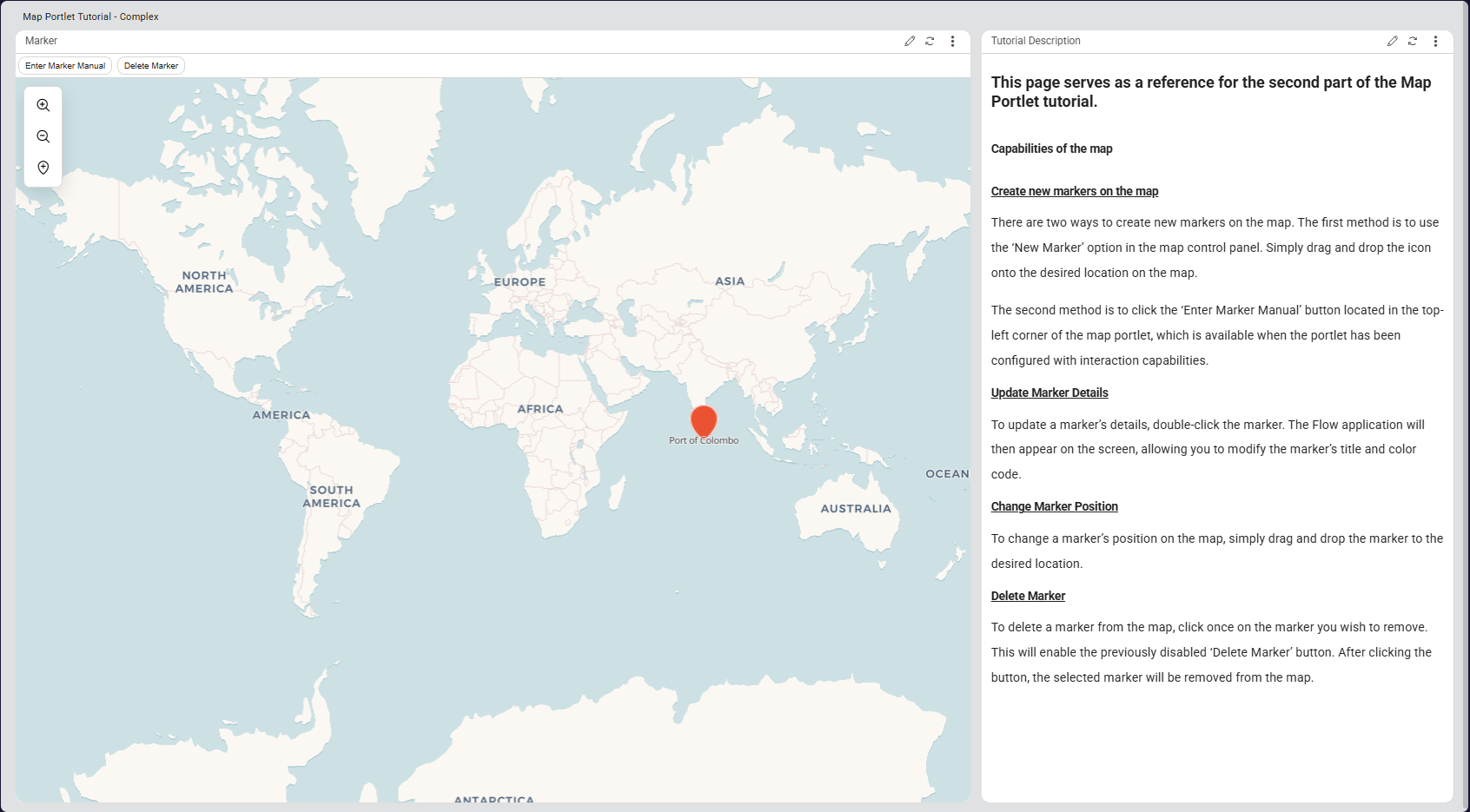

This tutorial shows how to configure the Map Portlet in Novacura Flow Connect to visualize geographical data, manage map markers, and trigger workflows through interactive map actions.
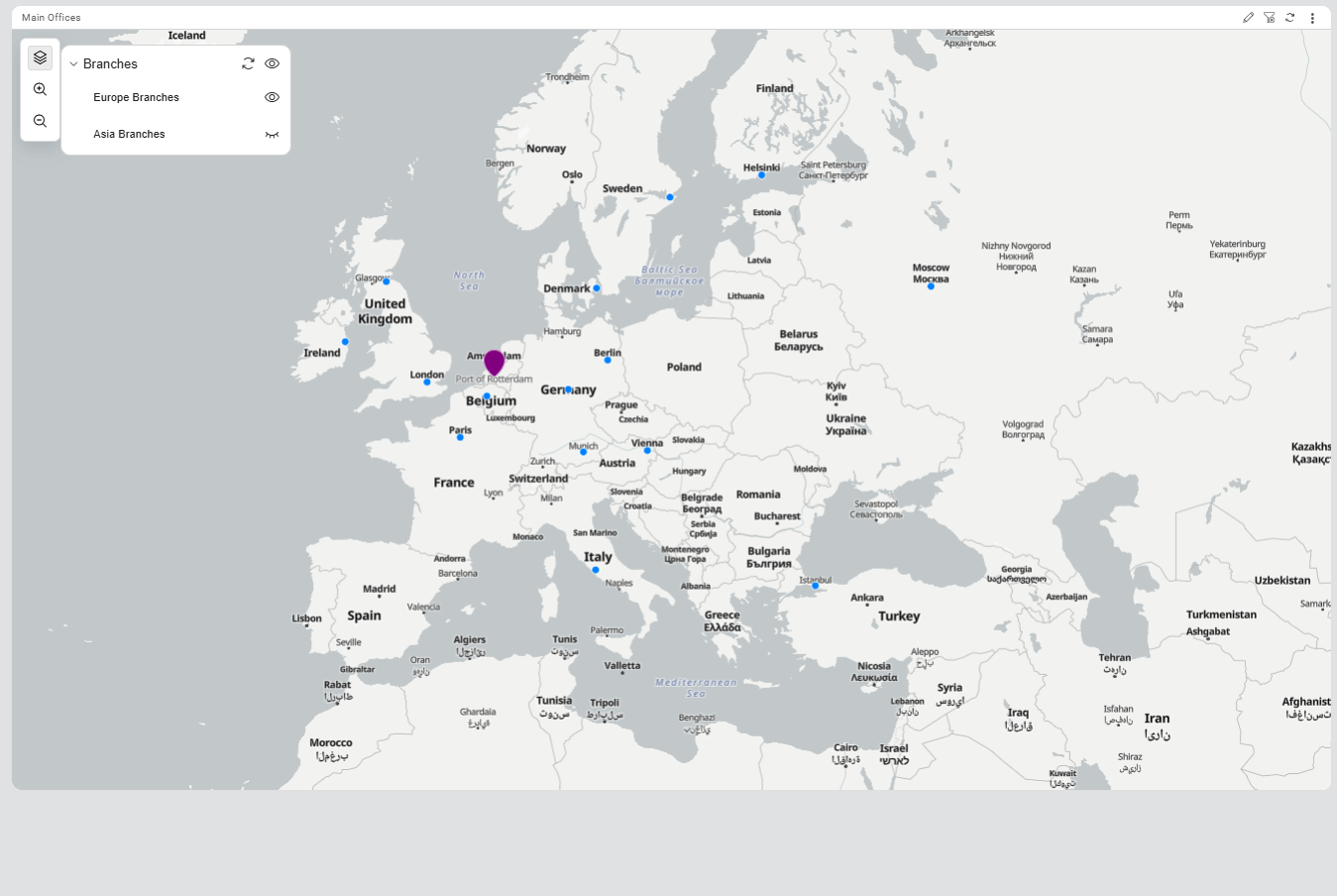
This tutorial demonstrates how to use the Map Portlet in Novacura Flow Connect to display and interact with spatial data on an interactive map. It explains how to configure markers, add static layers, and connect map elements to Flow applications and components.
The tutorial guides users through the process of setting up map markers using data sources, configuring GeoJSON static layers, and enabling event-driven interactions between portal portlets. It also demonstrates how users can trigger workflows by interacting directly with map markers.
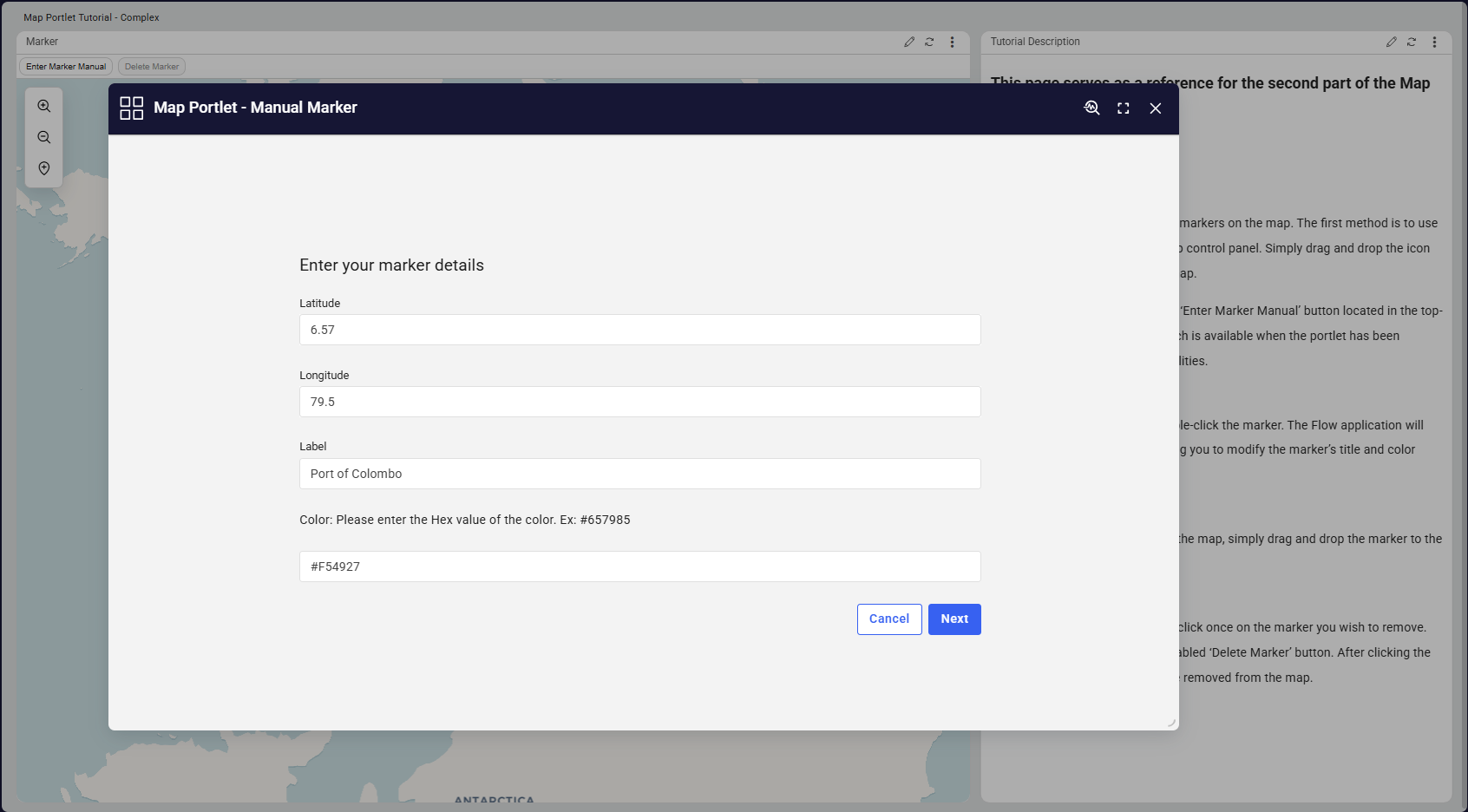
Advanced interaction capabilities are also covered, including creating new markers, dragging and dropping existing markers, executing workflows through marker double-click actions, and configuring custom action buttons within the map interface.
This tutorial is ideal for solutions that require location-based visualization and interaction, such as tracking assets, managing field operations, or monitoring geographically distributed resources.
| App Type | Tutorial |
| Flow version | Connect |
| ERP Type | Generic |
| Process Area | Generic |
| Library | Free Apps Standard Apps - Base |
| Product Clients | Web Client |
| Product Publisher | Novacura Business Apps |
| Publishing Date | 17.03.2026 |
| Powered by AI | No |