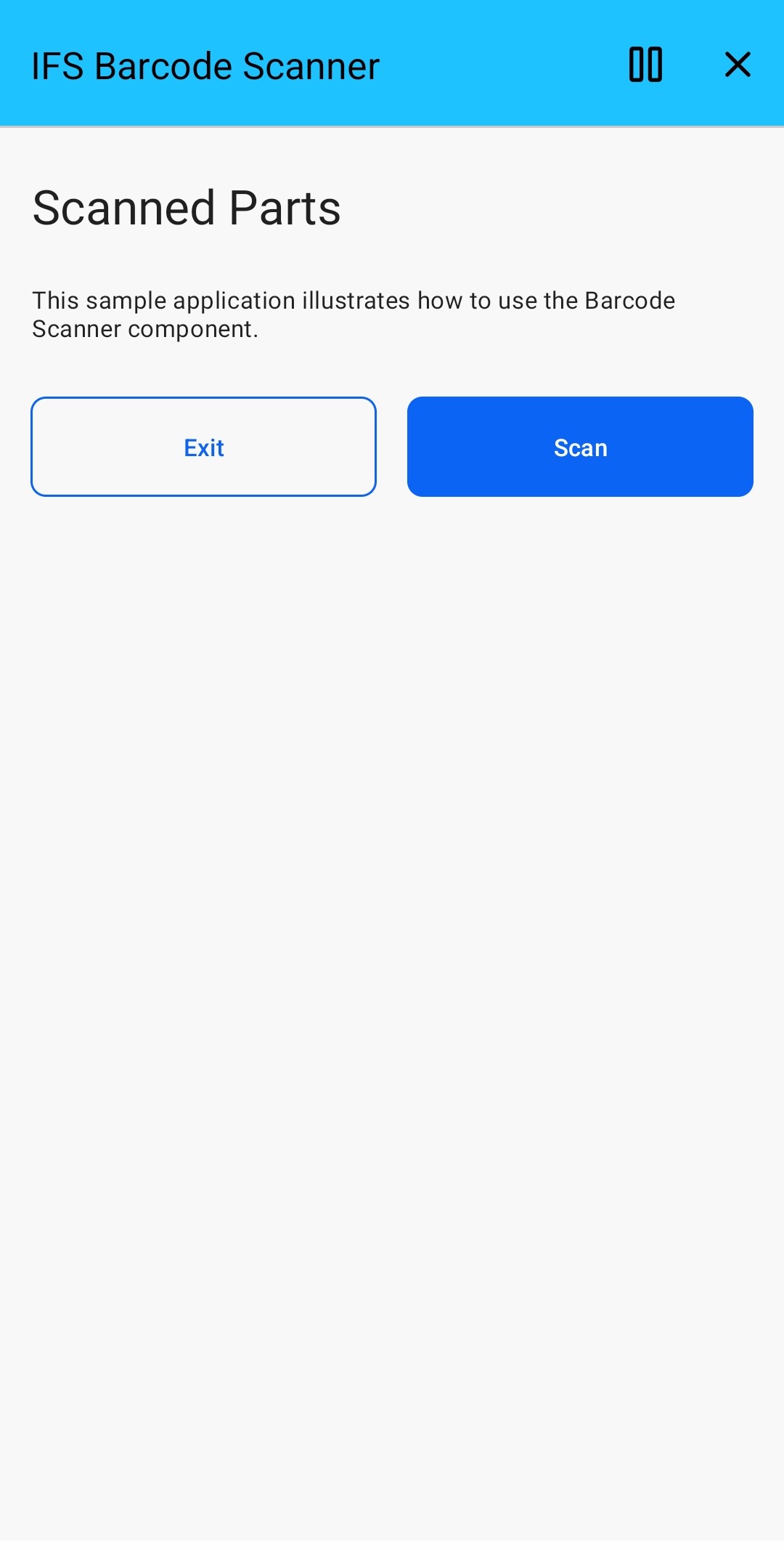
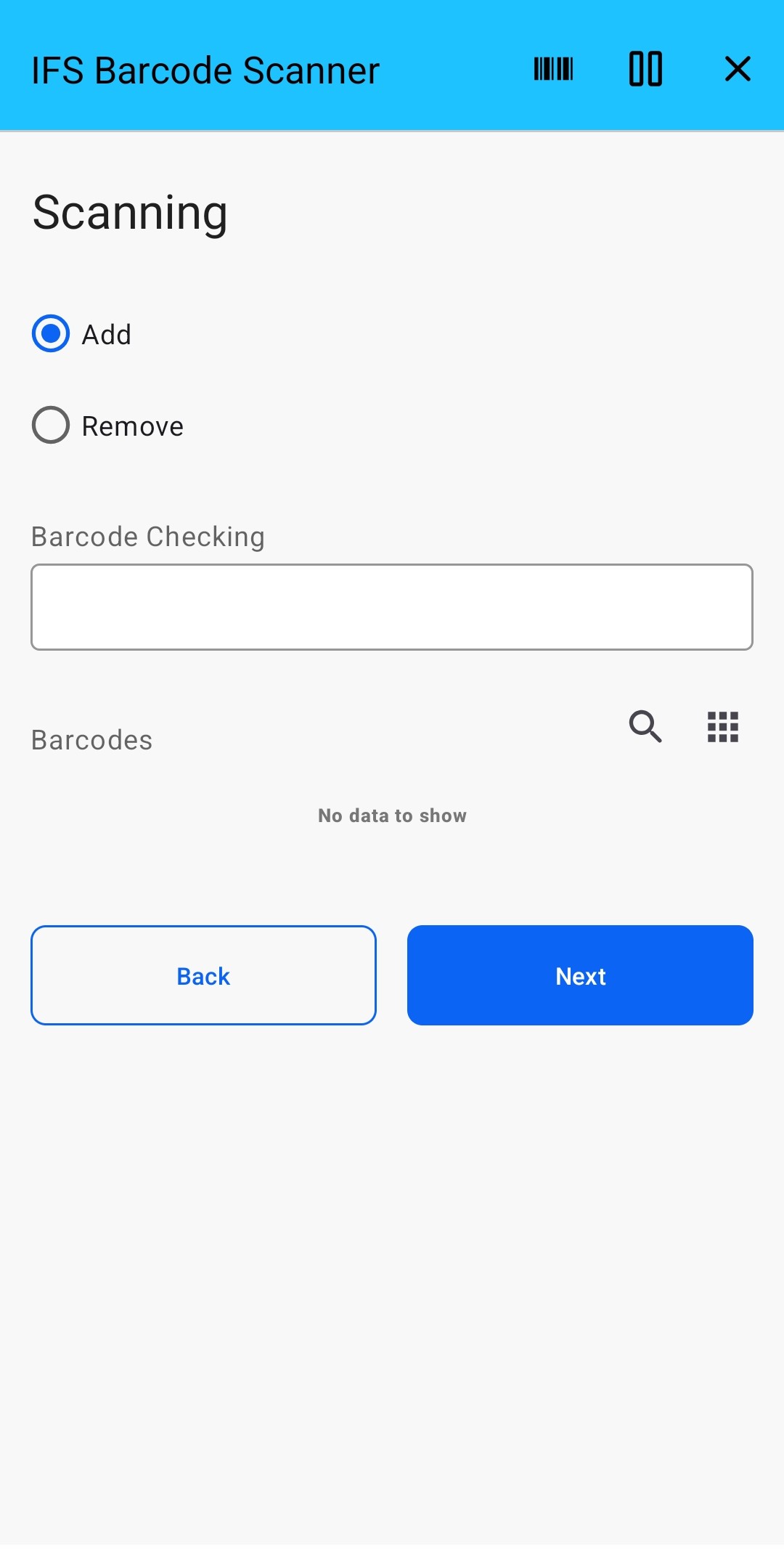
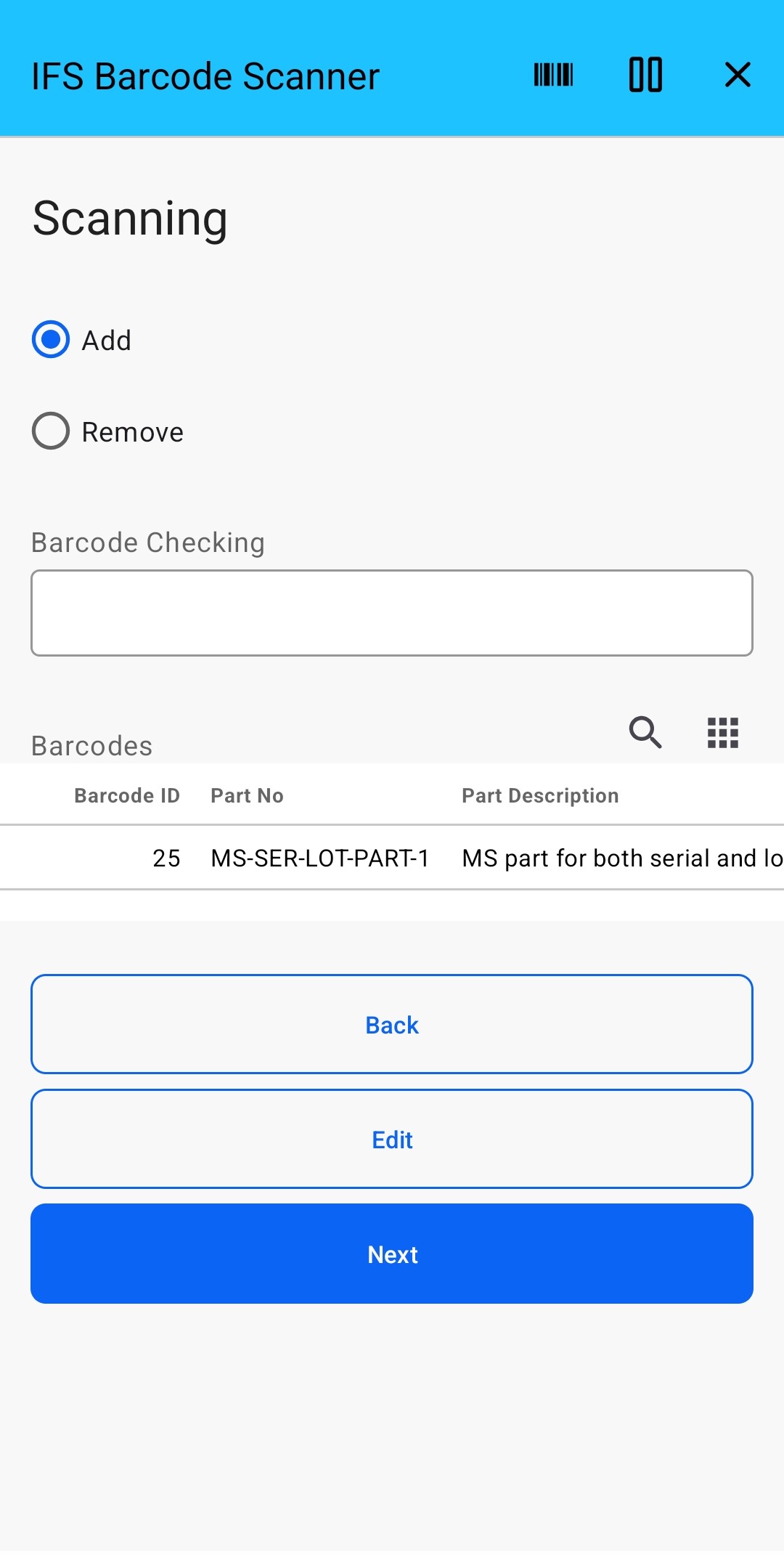
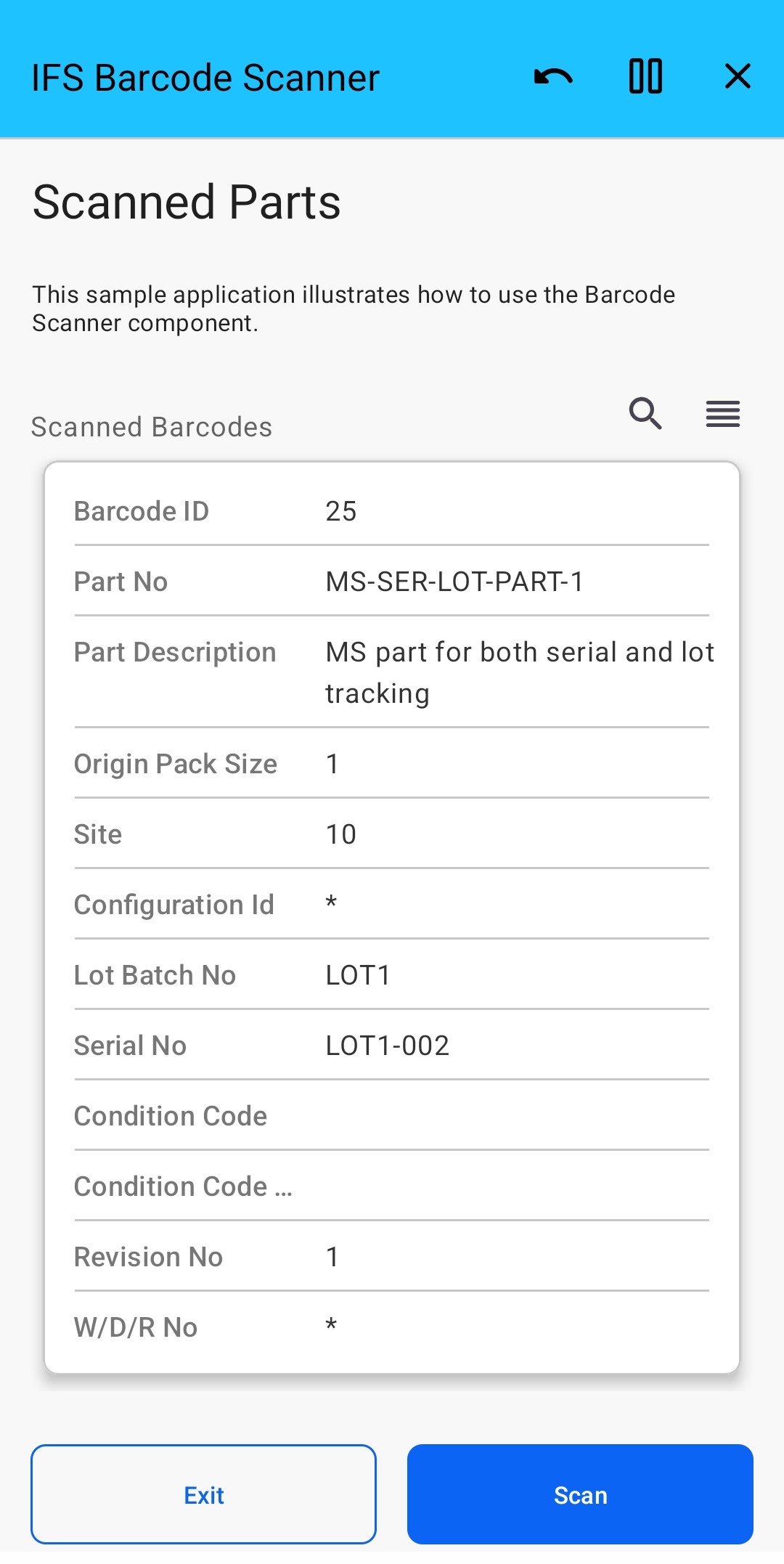

IFS Barcode Scanner provides a simple solution for scanning and managing barcodes within IFS. The application enables users to scan multiple barcodes, add or remove items from the barcode list, review scanned results, and continue scanning as needed..
IFS Barcode Scanner is an application for capturing and managing barcode data within IFS. Users can scan multiple barcodes, maintain the scanned barcode list, and review the results before completing the scanning process.
The application supports the following functions:
| App Type | Component |
| Flow version | Connect |
| ERP Type | IFS Cloud Apps |
| Process Area | Logistics ERP Apps Maintenance & Field Service ERP Apps Manufacturing & Production ERP Apps Other ERP Apps |
| Library | Standard Apps - IFS |
| Product Clients | Web ClientMobile Client |
| Product Connectors | OData |
| Product Publisher | Novacura Business Apps |
| Publishing Date | 20.08.2026 |
| Powered by AI | No |
Want to see how this app works in your ERP environment? Request a demo and we’ll walk you through it.