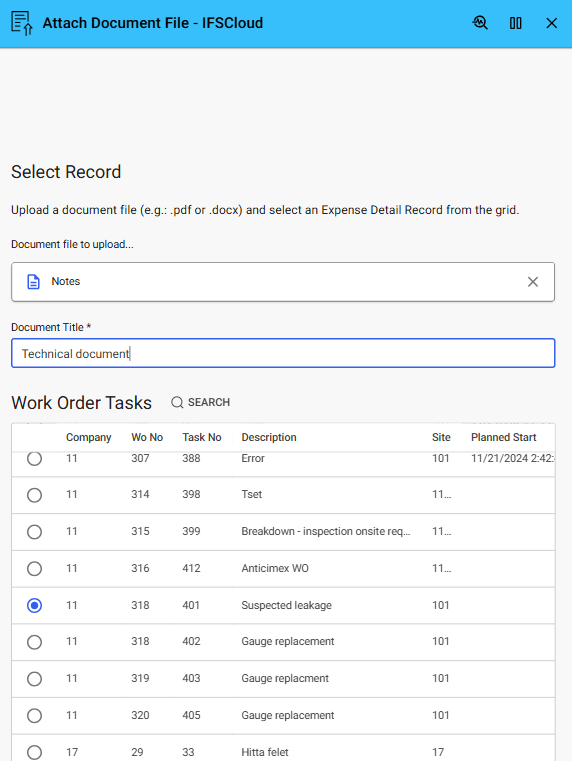
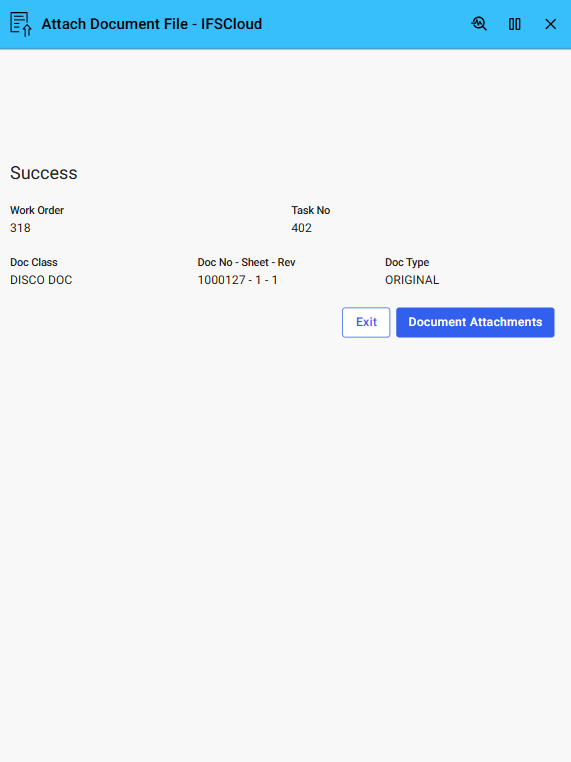
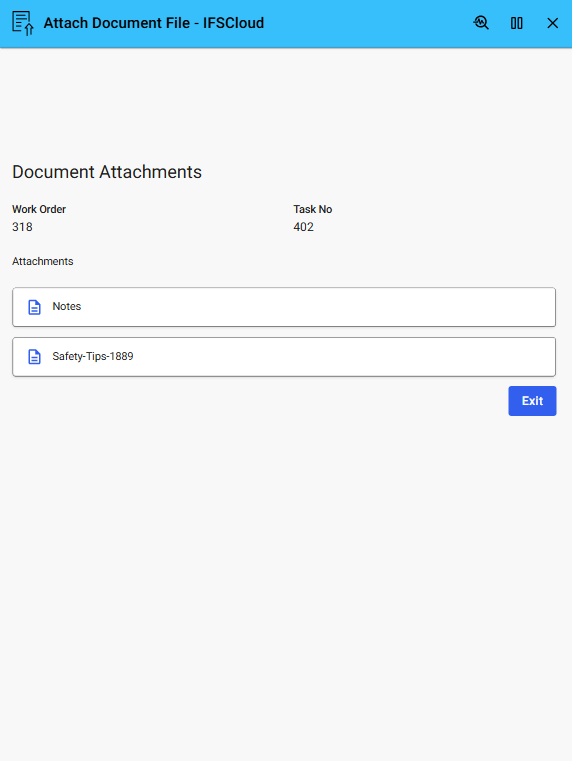

This Example shows how to upload and attach document files to IFS Applications10 business objects using Novacura Flow and standard APIs.
This application example demonstrates how to upload and attach a document file to IFS Applications10 using Novacura Flow. Users can select a file—such as a PDF or DOCX—and link it to a specific business object like a work order, purchase order, or customer record.
Perfect for field reporting, compliance, or document-driven workflows, the example shows how to use Flow to capture or select a file and send it to IFS Applications10 via standard APIs. While demonstrated with documents, the same approach can be used to upload a wide range of file types into the IFS document management system.
| App Type | Example |
| Flow version | Classic & Connect |
| ERP Type | IFS Applications 10 Apps |
| Process Area | Other ERP Apps |
| Library | Standard Apps - IFS |
| Product Clients | Mobile ClientWeb Client |
| Product Connectors | Database |
| Product Publisher | Novacura Business Apps |
| Publishing Date | 3.09.2025 |
| Powered by AI | No |
Want to see how this app works in your ERP environment? Request a demo and we’ll walk you through it.