The Mobile Work Order is a suite of applications covering Work Tasks, Pool Tasks, New Work, Objects, PO Receipts and Arrival, Invoices, and Service Quotations. The package also includes the Work Task Scheduler portal solution. This package is applicable for Enterprise Asset Management and Service Management solutions across Service, Energy & Utilities and Asset Intensive Industries along with companies carrying out internal maintenance work in large plants and facilities.
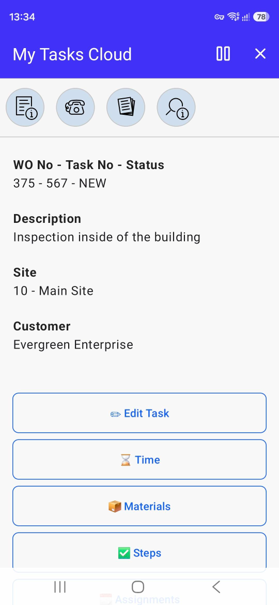
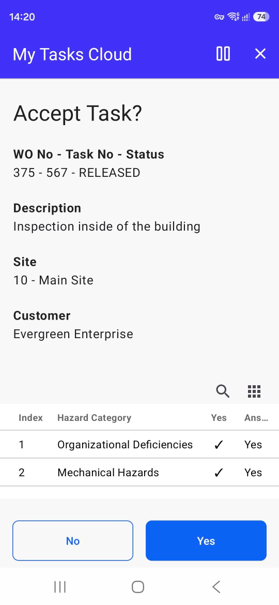
My Tasks is an Inbox showing my assigned Work Tasks in progress, as a Field Technician I can perform following from My Tasks app:
- Edit Task and General Information, Planning Information, Contact Information,
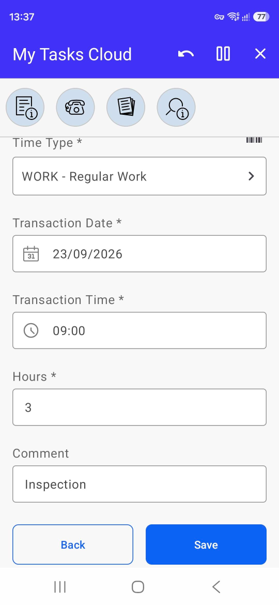
- Create, delete, update Person and Tool/Equipment Time,
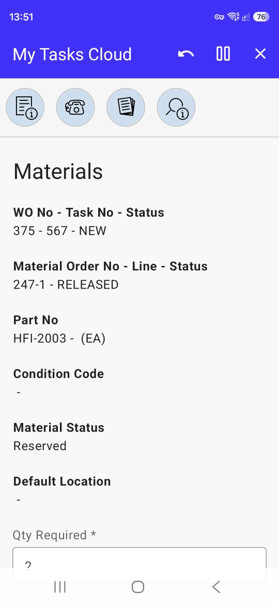
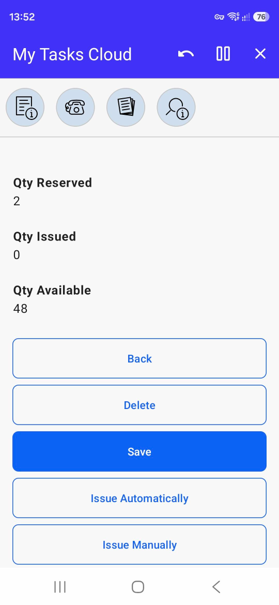
- Create, delete, update Material Requisitions and Issue automatically or manually,
- Create, delete, update, and change status of Task Steps,
- Create, delete, and change status of Person or Tool/Equipment Assignments,
- Coming soon: Create, delete Work Task Expenses
- Create, delete, update, and change status of Purchase Requisitions,
- Register arrivals of Purchase Orders,
- View Work Assignment Journal,
- Add Measurements and show the history as a graph,
- Create, delete, update, and receive Returns,
- Update General Information for the connected Serial or Functional Object,
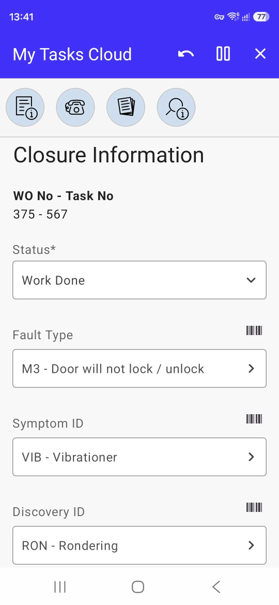
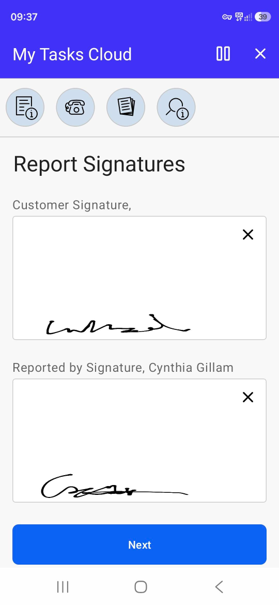
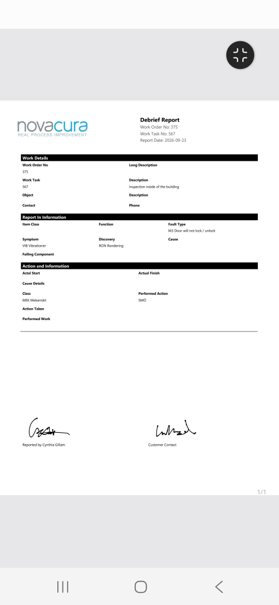
- Update Closure Information and create/e-mail Debrief Report as a PDF file,
- Contact user and ask for Remote Assistance.
Pool Task is an Inbox showing Work Tasks that are not yet assigned and is used to assign a Work Task.
New Work app is used to report a problem, request work that needs to be done, create work that I will perform, or report work that I have done.
Objects app lets you search for Objects per selected Site. You can view and update General Information for the selected Serial or Functional Object.
PO Receipts app is used to register arrivals of Task Purchase Orders.
Invoice app is used to generate Service Invoices. It is also possible to send the Invoice as a PDF file via E-mail.
Service Quotation app is used to create and view and change status on Service Quotations.
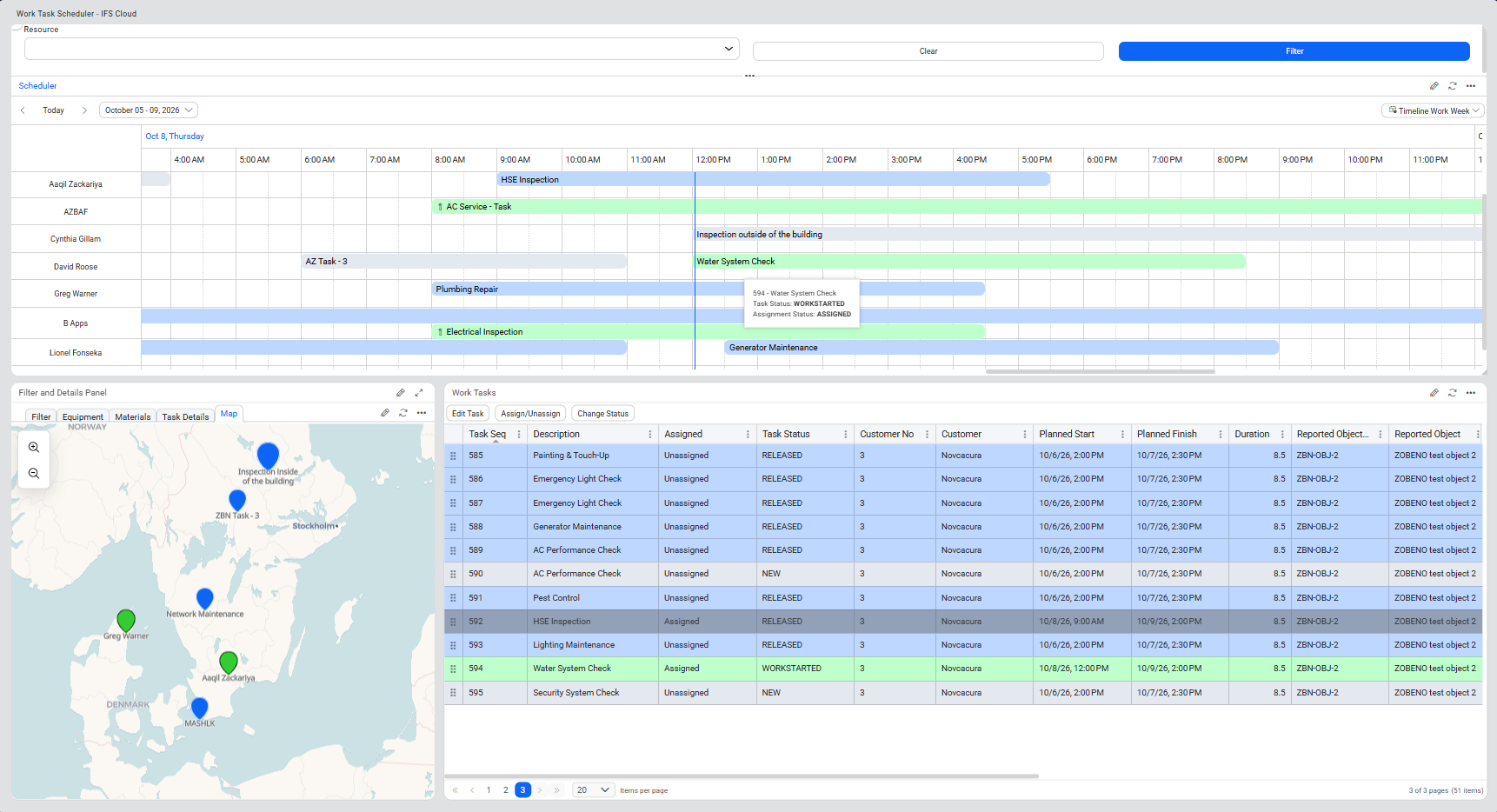
Work Task Scheduler portal helps maintenance planners efficiently manage, assign, and schedule work tasks. This solution provides an integrated Portal view with task management, resource scheduling, equipment, material and geographical visibility.